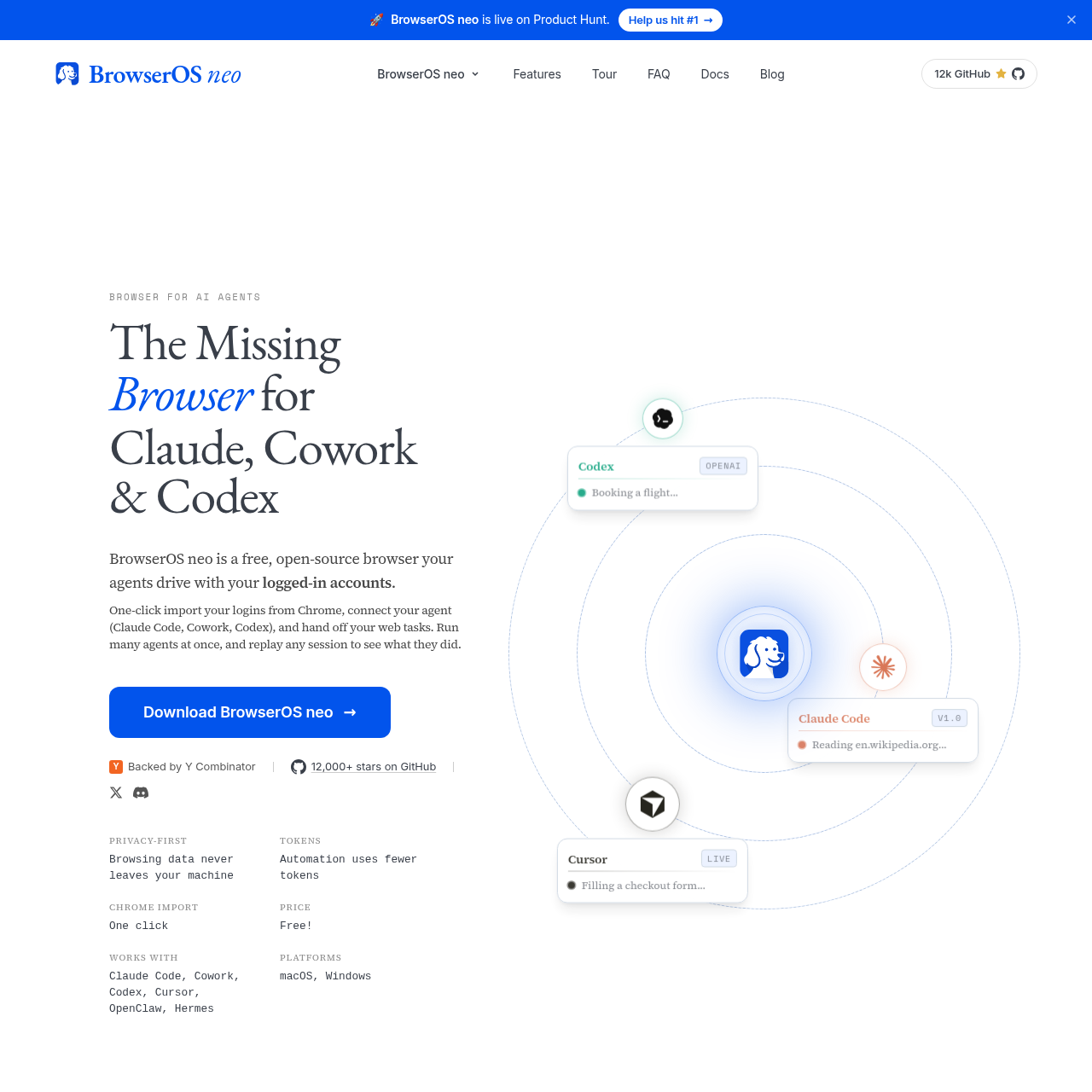
BrowserOS neo is a specialized browser environment built to allow AI agents to navigate and interact with the web using existing user logins.
The tool integrates with various AI assistants through the Model Context Protocol to automate complex tasks that require authentication.
It prioritizes data privacy by keeping all browsing history, credentials, and session recordings exclusively on the user's local hardware.
What Can You Use BrowserOS neo For?
Source-supported ways to use the product
Social Media Management
Agents can draft and post content across multiple platforms using the user's active sessions.
Automated Travel Planning
AI assistants can search for flights and fill out checkout forms directly within the browser environment.
Inbox Organization
The tool allows agents to navigate email accounts to unsubscribe from newsletters or organize messages.
How to Use BrowserOS neo
The documented workflow, where available
1
Installation
Download and install the application on a compatible macOS or Windows system.
2
Agent Connection
Link the browser to AI tools such as Claude Code or Cursor using the one-click MCP setup.
3
Task Assignment
Initiate web tasks from the connected AI agent's interface to begin automated browsing.
4
Monitoring and Review
Observe the agent's actions in real-time or review the saved session video afterward for auditing.
Agent Interaction and Monitoring
The browser provides a dedicated environment where AI agents can perform actions like clicking buttons, filling forms, and reading page content. It utilizes the Model Context Protocol to facilitate communication between the browser and external AI tools, allowing for one-click connections without complex configuration files.
Dashboard for tracking active agent steps and progress.
Isolated tab groups for managing different tasks simultaneously.
Local logging of all agent actions for security auditing.
What to Test Before Choosing BrowserOS neo
Checks to run with your own material and workflow
Confirm the AI agent tool supports the Model Context Protocol for seamless integration with the browser.
Verify that the local machine meets the necessary system requirements for either macOS or Windows installations.
Check the availability of the one-click login import feature to ensure the agent can access required web accounts.