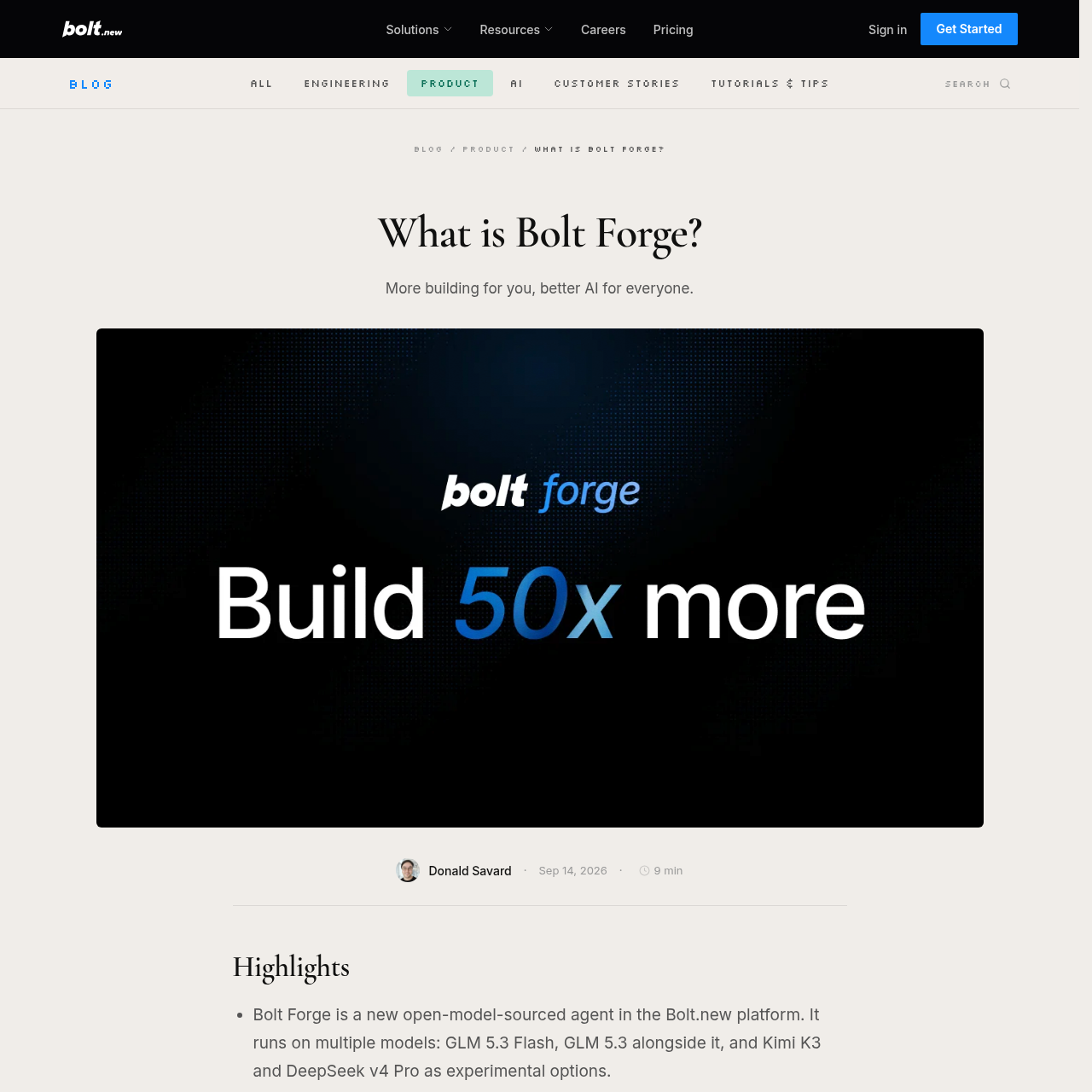
Bolt Forge is an open-model agent within Bolt.new that enables browser-based application building on open-source AI models with automated session de-identification.
Code & ITGenerates and modifies full-stack web…Executes local application builds…Switches automatically back to the…Open-Source Model Lineup
Estimated monthly visits
3.8M
Data period:
Listed on AIToolly
What Is Bolt Forge? Product Overview
What the product does and how it is positioned
Bolt Forge is an agent integrated into the Bolt.new development platform that runs exclusively on open-source language models. Sitting alongside the Standard and Max agents in the agent picker, it provides an environment for testing ideas, drafting code, and building applications using models like GLM 5.3 Flash, GLM 5.3, Kimi K3, and DeepSeek v4 Pro.
The agent executes projects directly in the browser through WebContainers and reserved infrastructure. Builders can opt in to share de-identified development sessions, including prompts, tool calls, and fix traces, which Bolt licenses to AI research partners like Arcee AI to train subsequent open-source models.
What Can You Use Bolt Forge For?
Source-supported ways to use the product
Rapid Prototyping and Exploration
Draft initial application concepts, experiment with new architectures, and iterate through design variations using open models.
Browser-Based Application Development
Write code, assemble project structures, and test live web applications locally inside the WebContainers browser runtime.
How to Use Bolt Forge
The documented workflow, where available
1
Select the Agent
Choose Forge from the agent picker interface alongside the Standard and Max agents.
2
Provide Consent
Review the data-sharing terms and complete the one-tap opt-in prompt to enable the open-model environment.
3
Build and Iterate
Develop and modify the project using open models, drawing from the monthly allocation bar without daily rate caps.
4
De-Identify Session Data
The platform automatically strips sensitive information, secrets, and personal identifiers before export.
5
Dataset Contribution
Sanitized build traces are compiled into datasets licensed to external AI developers to train new open models.
Runtime Architecture and Model Roster
Bolt Forge combines reserved server hardware with in-browser execution powered by WebContainers technology. By executing application code and package management locally inside the user browser, Forge avoids provisioning remote cloud servers for every individual build cycle, supporting low-latency development loops.
The agent incorporates a selectable roster of open-source models. Standard options include GLM 5.3 Flash and GLM 5.3, with experimental support for Kimi K3 and DeepSeek v4 Pro. When tested on the Bolt Build Index, which benchmarks real application completion, Forge open models reached 91 percent of the top proprietary model score.
Executes full builds directly in the browser via WebContainers
Includes GLM 5.3 Flash, GLM 5.3, Kimi K3, and DeepSeek v4 Pro
Automatically returns users to the Standard agent when the monthly allocation reaches 100 percent
What to Test Before Choosing Bolt Forge
Checks to run with your own material and workflow
Confirm whether your development process requires PDF ingestion, as Forge does not accept PDF file uploads.
Verify that mission-critical or complex production apps remain in Standard or Max agents due to the experimental classification of Forge models.
Check that your organization is not on Teams or Enterprise tiers, which are excluded from the Forge agent.
Answers based on the source-checked product record
Does Bolt Forge train on project data without permission?+
No. Data sharing in Forge is strictly opt-in via a consent screen, and declining keeps the workspace in Standard or Max with no session sharing.
What happens when the Forge monthly usage bar reaches 100 percent?+
When the allocation bar reaches 100 percent, the platform automatically switches the session back to the Standard agent rather than charging overages.
Are developers in the UK, EEA, or Switzerland included in model training?+
No. Sessions originating from the EEA, the UK, and Switzerland are excluded from dataset licensing and AI model training.
Can Bolt Forge be used for production-grade software?+
Forge models are classified as experimental inside Bolt, and official guidance suggests duplicating projects and keeping complex production workloads in Standard or Max.
How can a user stop Bolt from using previously collected Forge sessions?+
Users can halt future session collection by switching back to Standard or Max, and can request removal of prior data by emailing [email protected].
More Code & IT AI tools
Explore other recently added tools in the same category.