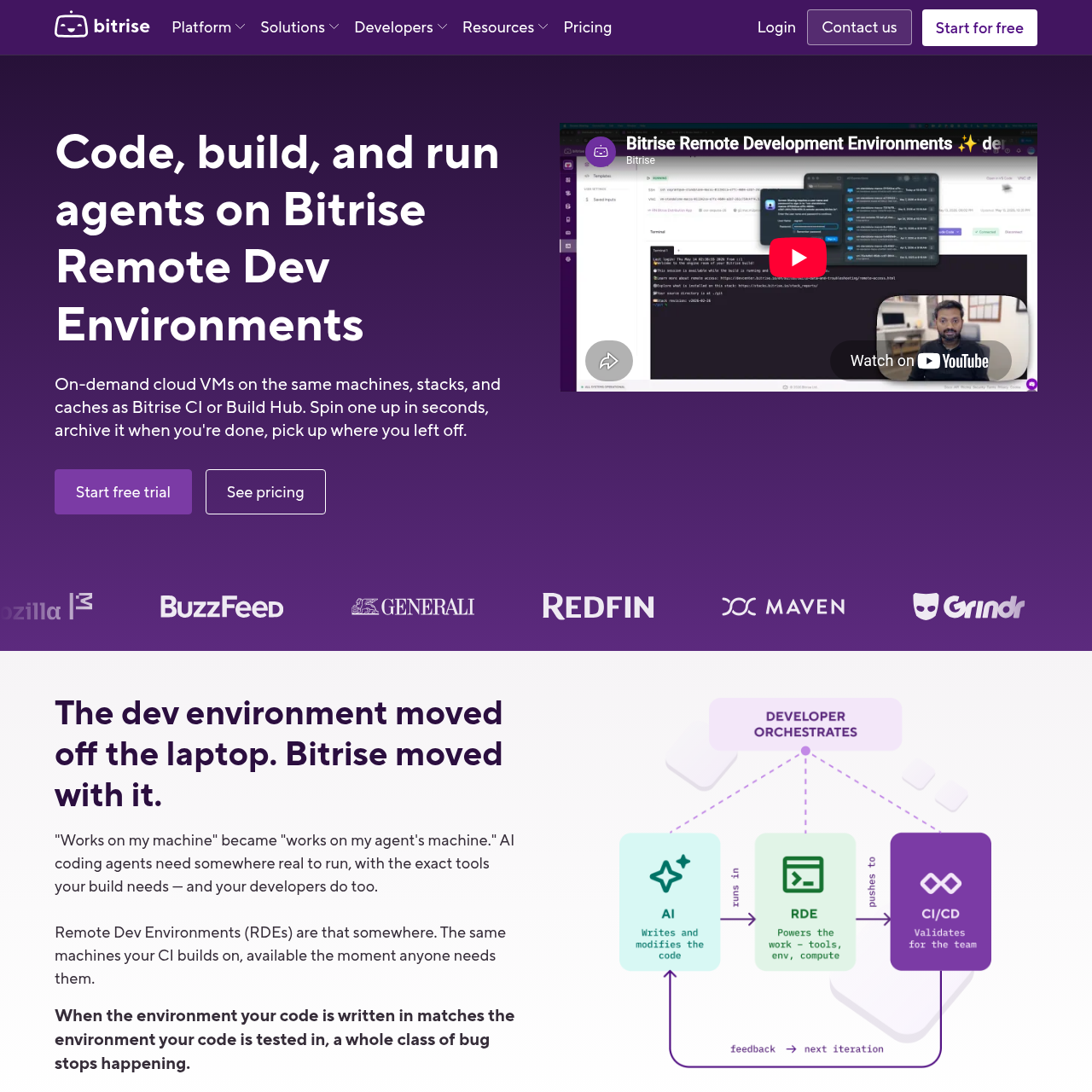
Bitrise Remote Dev Environments provides on-demand macOS and Linux cloud virtual machines mirroring Bitrise CI stacks and shared caches for developers and AI agents.
Code & ITProvisioning on-demand macOS and Linux…Preserving block-level session state…Orchestrating autonomous AI coding…Accessing graphical user interfaces on…
Estimated monthly visits
364K
Data period:
Listed on AIToolly
What Is Bitrise Remote Dev Environments? Product Overview
What the product does and how it is positioned
Bitrise Remote Dev Environments provides cloud-hosted virtual machines that replicate the underlying operating system images, build stacks, and caching layers utilized by Bitrise CI and Build Hub. The infrastructure provides Apple Silicon macOS and Linux virtual machines designed to eliminate disparities between local development, automated coding agents, and CI pipelines.
The platform supports interactive developer workflows through clients such as VS Code Remote, Cursor, JetBrains IDEs, and SSH, as well as graphical interfaces on macOS via VNC. Additionally, the service provides an open-source Model Context Protocol server that allows autonomous AI agents to provision parallel environments, write code, run test suites, and submit pull requests.
What Can You Use Bitrise Remote Dev Environments For?
Source-supported ways to use the product
Continuous Integration Failure Reproduction
Engineers reproduce build errors inside a cloud VM configured with the identical toolchain, operating system, and cache as the failed CI pipeline.
Autonomous AI Agent Workflows
AI coding agents process tickets, spin up isolated machines through MCP, execute test suites, and open pull requests headlessly.
Remote macOS Mobile Development
Developers connect to Apple Silicon cloud machines equipped with Xcode and Simulator to compile and test iOS applications.
How to Use Bitrise Remote Dev Environments
The documented workflow, where available
1
Define a Template
Choose a machine image, attach a warmup configuration script, and define session credentials for shared team use.
2
Spin up a Session
Instantiate the virtual machine in seconds using the web dashboard, API endpoints, or MCP server commands.
3
Code in the Environment
Connect through remote IDEs, terminal shell sessions, or graphical VNC, or execute autonomous AI coding agents.
4
Archive or Destroy
Save the block-level virtual machine state for later reactivation or shut down and destroy the instance.
Infrastructure Architecture and Agent Orchestration
Bitrise Remote Dev Environments runs on the multi-region fleet powering Bitrise CI, offering deployments across data centers in the United States and Europe. Hardware options include Apple Silicon M2 Pro, M4, and M4 Pro machines featuring full macOS environments with Xcode and Simulator, alongside shared and dedicated Linux clusters scalable from 2 to 48 vCPUs with complete Docker support.
To streamline automated workflows, the platform interfaces with external agents and developer tooling using an open-source Model Context Protocol server. Agents such as Claude Code or Codex can run within the environment using external API keys, enabling automated ticket resolution, test execution, and pull request creation without relying on local workstation resources.
Apple Silicon M2 Pro, M4, and M4 Pro instances hosted across US and European data centers
Linux machine sizes ranging from 2 to 48 vCPUs with native Docker execution
Shared caching tier directly linked to Bitrise CI and Build Hub pipelines
Open-source MCP server support for headless and parallel AI coding agent execution
What to Test Before Choosing Bitrise Remote Dev Environments
Checks to run with your own material and workflow
Confirm that available Apple Silicon or Linux hardware profiles satisfy your project's CPU, memory, and toolchain requirements.
Verify that required external tools, IDEs, or AI agents integrate properly with the platform's SSH, VNC, or MCP endpoints.
Check that your security and compliance policies align with session-scoped credential assignment and isolated virtual machines.
Review whether block-level session archiving accommodates your team's workflow requirements across development cycles.
Bitrise Remote Dev Environments Sources and Last Checked
Bitrise Remote Dev Environments Frequently Asked Questions
Answers based on the source-checked product record
What is Bitrise Remote Dev Environments?+
Bitrise Remote Dev Environments provides on-demand, persistent cloud virtual machines configured with the same machine types, stacks, and caches used in Bitrise CI and Build Hub.
How does the platform maintain parity with continuous integration pipelines?+
The environments utilize the same Apple Silicon and Linux hardware, pre-installed toolchains like Xcode, fastlane, and Docker, and shared build caches as the Bitrise CI platform.
Which remote clients, IDEs, and AI tools can connect to an environment?+
The platform supports connections through VS Code Remote, Cursor, JetBrains IDEs, SSH, and VNC for macOS GUIs, as well as AI coding tools including Claude Code, OpenAI Codex, Windsurf, Gemini CLI, and custom MCP clients.
How are virtual machine sessions secured and isolated?+
Virtual machines are strictly isolated and never reused across different customers. In addition, credentials are restricted to individual sessions, and workspace quotas limit fleet usage.
How does session persistence and archiving work?+
Sessions maintain persistent disk across restarts and allow developers to archive block-level VM state when work is finished, permitting later restoration without keeping an active machine running.
More Code & IT AI tools
Explore other recently added tools in the same category.