Basedash Subscriptions favicon

Basedash Subscriptions

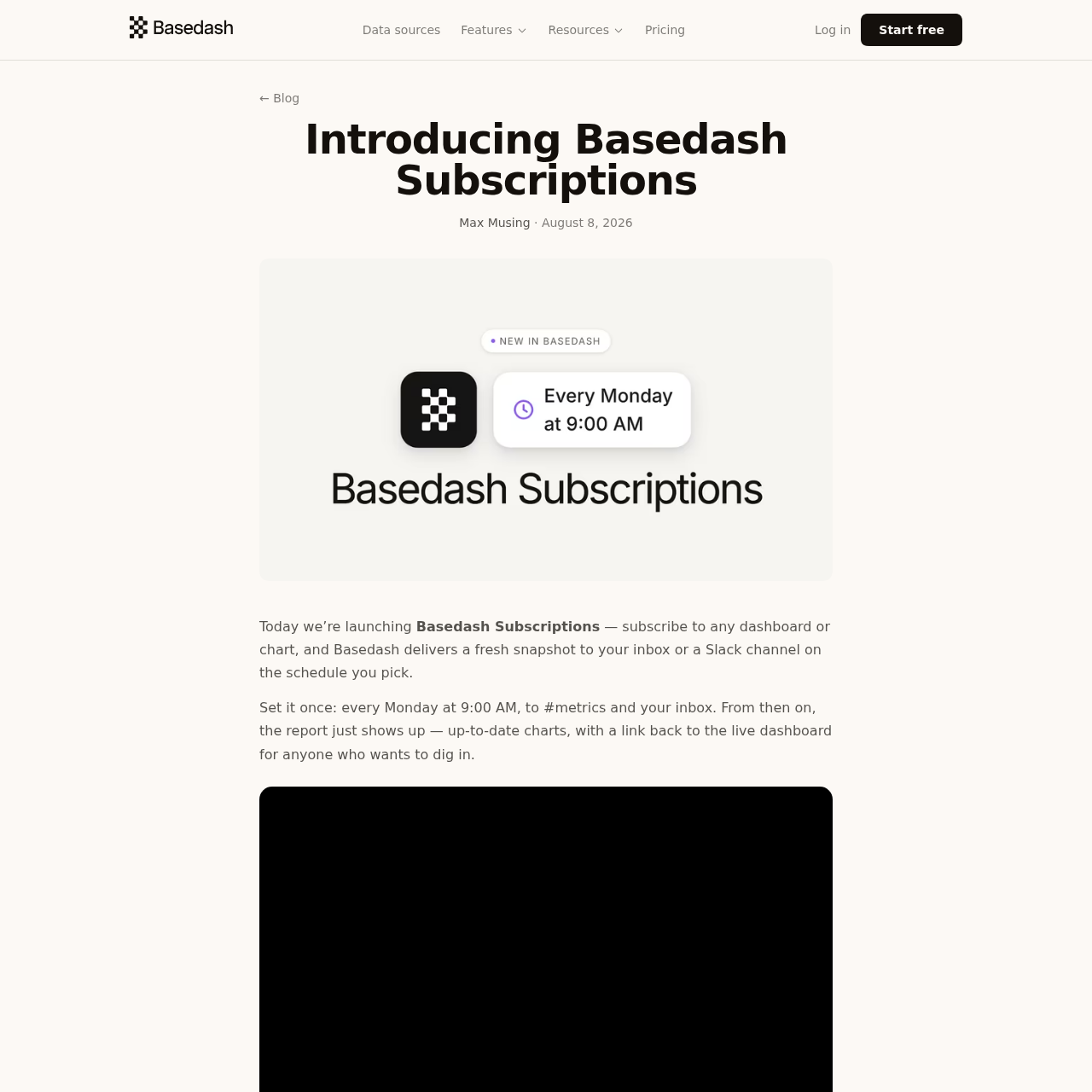
Basedash Subscriptions automates data reporting by delivering scheduled snapshots of dashboards and charts directly to Slack and email.

Organization & AutomationStack multiple subscriptions with…Toggle subscriptions between active and…Deliver reports directly to Slack…Scheduled Automated Delivery
Basedash Subscriptions product interface screenshot
Estimated monthly visits
50K
Data period:
Listed on AIToolly

What Is Basedash Subscriptions? Product Overview

What the product does and how it is positioned

Basedash Subscriptions is a reporting tool designed to automate the distribution of business intelligence assets. It removes the manual effort of capturing screenshots for recurring meetings by delivering up-to-date visual reports directly to team communication channels.

The feature allows users to configure multiple delivery schedules for the same data set, catering to different stakeholders such as executive teams or specific project channels. Each report includes a direct link back to the live, interactive dashboard for deeper analysis.

What Can You Use Basedash Subscriptions For?

Source-supported ways to use the product

Recurring Team Metrics Review

A team can schedule a Monday morning post to a Slack channel to ensure all members see the latest performance figures before a weekly meeting.

Executive and Board Reporting

Users can set up monthly or quarterly email snapshots of high-level revenue dashboards for stakeholders who require regular updates.

How to Use Basedash Subscriptions

The documented workflow, where available

  1. 1

    Select Data Asset

    Open the specific dashboard or chart within the Basedash platform that needs to be shared.

  2. 2

    Configure Delivery Schedule

    Access the subscription menu and define the frequency using the structured sentence interface.

  3. 3

    Assign Destinations

    Choose the delivery targets, including specific email addresses or Slack channels.

  4. 4

    Activate Subscription

    Save the configuration to begin the automated delivery cycle based on the chosen parameters.

Delivery and Management Mechanics

Subscriptions are managed directly within the context of the dashboard or chart they represent, allowing for inline edits to schedules and recipient lists. The platform supports stacking, which enables a single dashboard to serve multiple distinct reporting rituals simultaneously without manual intervention.

The delivery mechanism is designed to integrate into existing workflows by placing data where teams already communicate. In Slack, charts are embedded as images to facilitate immediate viewing, while email reports provide inline visuals and a dedicated button to access the live version in Basedash.

  • Snapshots are rendered at delivery time to prevent stale data distribution.
  • The active toggle allows for pausing reports during project transitions or off-cycles.
  • Slack deliveries do not require recipients to log in to view the embedded images.
  • Email recipients receive a direct link to the live dashboard for interactive exploration.

What to Test Before Choosing Basedash Subscriptions

Checks to run with your own material and workflow

  • Verify that the scheduled delivery arrives at the exact time specified in the configuration.
  • Check that the rendered images in Slack are legible and accurately reflect the live dashboard state.
  • Confirm that the 'Open dashboard' link in email reports correctly redirects to the interactive version.
  • Review the active toggle functionality to ensure reports can be paused and resumed as needed.

Basedash Subscriptions Sources and Last Checked

What was checked and when

Last checked

Basedash Subscriptions Frequently Asked Questions

Answers based on the source-checked product record

Can I send a single report to both Slack and email?

Yes, a single subscription can be configured to deliver reports to a Slack channel and a set of email recipients at the same time.

How do I set a specific schedule for my reports?

Schedules are set using a structured sentence interface that supports frequencies like daily, weekdays, weekly, monthly, or quarterly at a specific hour.

Does this feature include AI-generated summaries of the data?

No, this feature is intended for visual snapshots. AI-powered analysis, summaries, and anomaly detection are provided through the separate Automations feature.

Is it possible to have multiple schedules for one dashboard?

Yes, subscriptions are designed to stack, allowing you to create different schedules and destination sets for the same dashboard.

Will the reports show the most recent data available?

Yes, Basedash renders a fresh snapshot of every chart from your live data at the moment the scheduled delivery is triggered.

Explore other recently added tools in the same category.