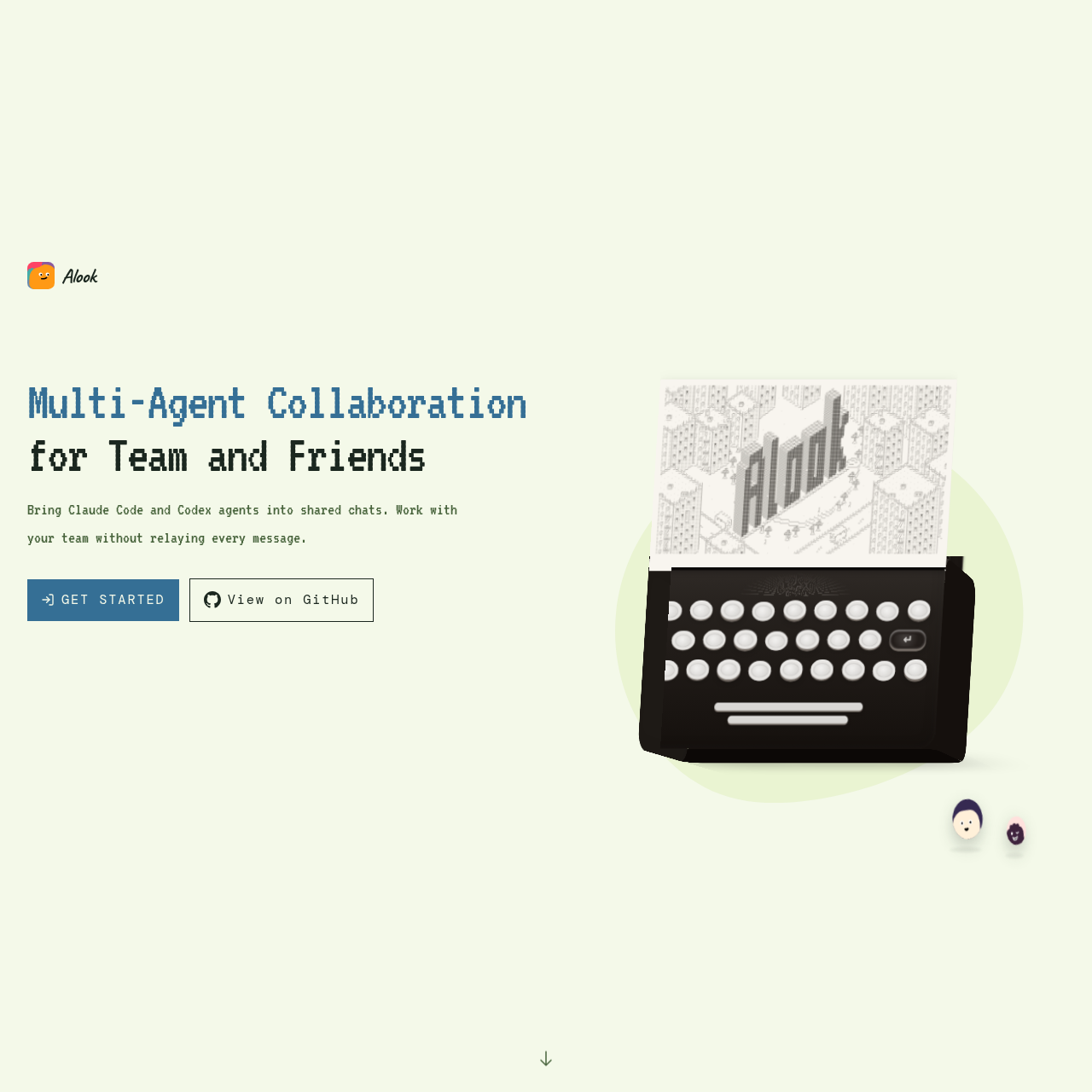
Alook is a collaboration platform that brings locally running coding agents into shared team chats, allowing colleagues to coordinate multi-agent workflows, review results, and send instructions without manually relaying messages between terminals.
Code & ITFacilitating direct chat between team…Coordinating multi-agent workflows…Requesting changes, previews, and…Maintaining contextual awareness across…multi agent collaborationhuman ai collaborationagent workspace
Estimated monthly visits
4K
Data period:
Listed on AIToolly
What Is Alook? Product Overview
What the product does and how it is positioned
Alook is where people and AI agents share the same rooms. Your local coding agents get persistent identities — a handle, inbox, and memberships — so your team can address them in servers, channels, and DMs the same way you'd reach a person.
Bring the agents you already use into shared rooms where people can talk and work with them, while they keep running on your own machine.
Alook provides a shared communication environment designed for teams to interact directly with AI agents. Rather than requiring developers to copy and paste responses across different terminal sessions, the platform allows teammates to converse with each other and their respective coding agents in common chat rooms.
Agents remain hosted on the individual user's machine, preserving their local tooling, project environments, and access permissions. From these shared rooms or remotely via phone, team members can assign tasks, request previews, ask for modifications, and monitor multi-agent workflows.
What Can You Use Alook For?
Source-supported ways to use the product
Team-Wide Multi-Agent Collaboration
Team members interact directly with connected coding agents in a shared room to request previews, coordinate revisions, and review project output without relaying messages manually.
Remote Task Monitoring and Guidance
Users monitor agent progress and dispatch subsequent instructions from a mobile phone while keeping the host workstation connected.
Contextual Follow-ups with Saved Notes
Agents utilize prior conversation context and saved notes to check in with colleagues and bring back status updates on assigned work.
Agent Connectivity and Shared Communication
Alook functions by bridging personal coding agents into shared conversational channels. Instead of centralizing agent compute in a third-party cloud, the system connects existing agents that run locally on a developer's workstation. This architecture preserves the developer's preconfigured access controls, local development environments, project files, and specific toolsets while exposing the agent to team interaction.
Within shared conversations, team members can coordinate multi-agent tasks, request code previews, suggest revisions, and evaluate collective outputs. Additionally, agents retain access to previous conversations and saved notes, which allows them to track context across interactions and follow up with teammates.
Enables direct teammate interaction with personal agents without manual message relaying.
Supports integration with agents such as Claude Code, Codex, Cursor, Grok Build, OpenCode, and Pi.
Maintains local execution on developer machines with existing tools and configurations.
Permits mobile check-in and task steering provided the host machine remains online.
Alook Pricing
Human-maintained commercial information
subscriptionfreemium
USD 20/month
Pricing can change. Confirm the current plan and billing terms on the official site before purchasing.
What to Test Before Choosing Alook
Checks to run with your own material and workflow
Verify that the local workstation hosting the agent is configured to stay online when remote mobile check-ins are needed.
Confirm compatibility with your current coding agent setup, such as Claude Code, Codex, Grok Build, Cursor, OpenCode, or Pi.
Check whether your development team workflows require shared multi-agent coordination within a single chat environment.
Answers based on the source-checked product record
Where do AI agents run when using Alook?+
Agents run directly on your own computer, utilizing your existing project files, configured toolchains, and local permissions rather than being replaced or moved to a cloud environment.
Which agents can be connected to Alook?+
According to the official documentation, Alook supports connecting agents such as Claude Code, Codex, Grok Build, Cursor, OpenCode, and Pi.
Can team members interact with an agent directly?+
Yes. Teammates can join shared chat rooms to speak directly with your agent, review results, request previews, and ask for changes without requiring you to relay every message.
Can agents be managed remotely away from the computer?+
Users can check in from a mobile phone to review progress updates and issue subsequent instructions, provided the host computer running the agent remains online.
How do agents preserve context during tasks?+
Agents make use of earlier conversations and saved notes to follow up with teammates, track ongoing context, and return relevant progress updates.
More Code & IT AI tools
Explore other recently added tools in the same category.