Synter Canvas favicon

Synter Canvas

Synter provides an AI-agent media buyer and MCP platform that lets teams research audiences, draft multi-placement ads, and manage spend with human approval gates.

Sales & MarketingConnecting ad accounts to AI agents via…Drafting and adapting ad creative…Audience building and account research…Monitoring campaign spend against…
Synter Canvas product interface screenshot
Listed on AIToolly

What Is Synter Canvas? Product Overview

What the product does and how it is positioned

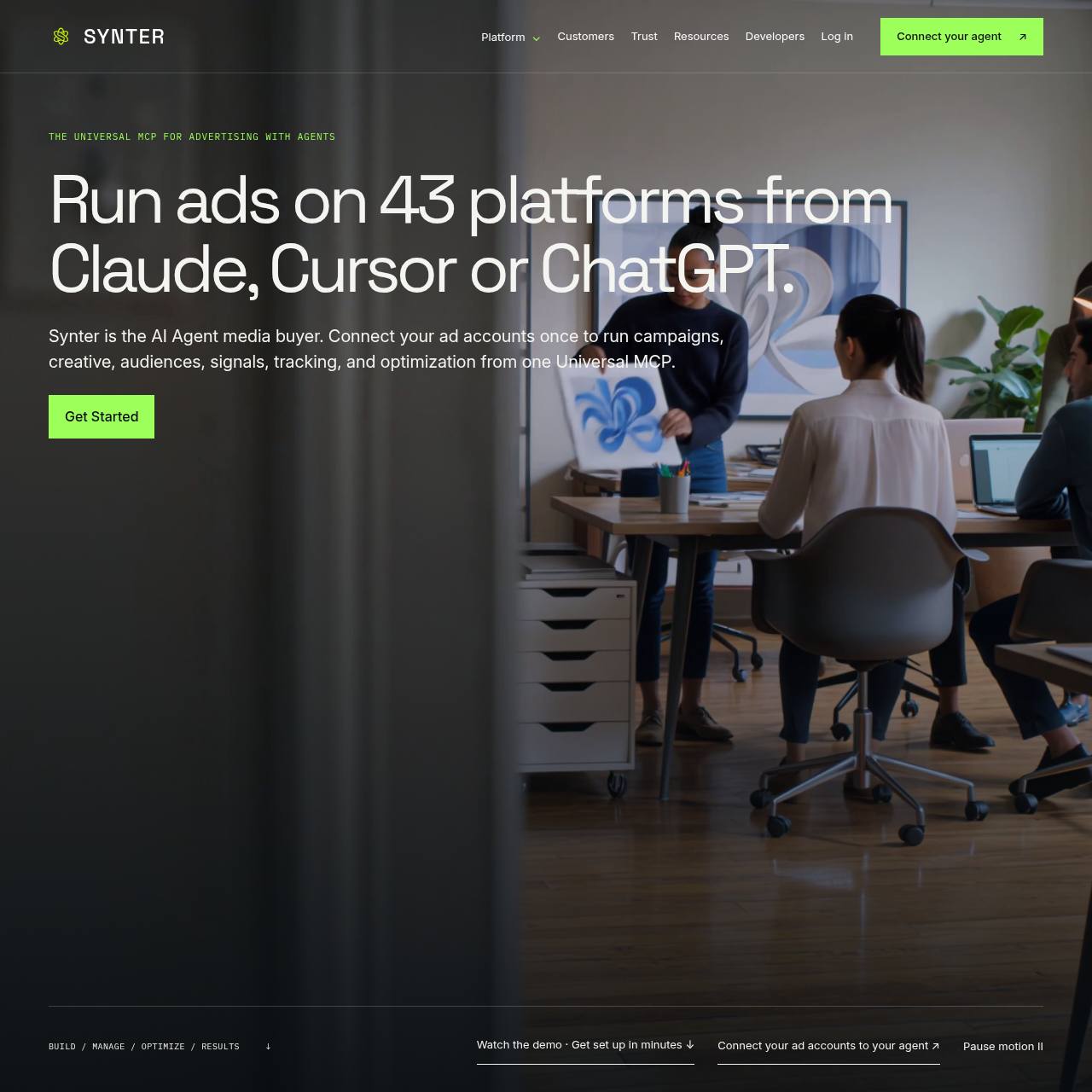
Synter operates as an advertising agent platform and Universal Model Context Protocol (MCP) server. It enables external agents such as Claude, Cursor, and ChatGPT to interact with ad accounts across supported ad networks. The platform centers on orchestrating campaign planning, audience generation, creative adaptation, and cross-channel tracking from a single briefing interface.

The software includes the Synter Campaign IDE, which provides visual drafting workspaces like the Creative Canvas for adapting creative across placements before launch. Safety guardrails, budget pacing alerts, and approval checkpoints ensure human operators retain authority over spend modifications, audience updates, and campaign activations.

What Can You Use Synter Canvas For?

Source-supported ways to use the product

Cross-Channel Ad Drafting

Teams draft and adapt creative assets, audiences, and landing pages across multiple ad platforms from a central brief before manual approval.

Budget Pacing and Alerting

Marketing operators monitor campaign spend against planned daily caps to receive automated flags and adjustment proposals when spending paces ahead of target.

Developer Audience Targeting

The official customer story reports Hyrax uses Synter to coordinate cross-channel execution, reach developer audiences, and share performance measurement across the team.

How to Use Synter Canvas

The documented workflow, where available

  1. 1

    Connect Agent via MCP

    Add the Synter MCP server endpoint to a supported AI client connector such as Claude or ChatGPT and approve account access permissions.

  2. 2

    Submit Brief and Parameters

    Provide campaign goals, audience requirements, brand assets, budget caps, and selected advertising channels to the agent.

  3. 3

    Generate Drafts in Campaign IDE

    Agents research audiences, construct landing pages, and generate creative variants within the Creative Canvas draft workspace.

  4. 4

    Review, Approve, and Monitor

    Human operators inspect proposed ad changes, confirm budget guardrails, approve campaign deployment, and monitor ongoing performance.

Governance, Human-in-the-Loop Controls, and Safety Gates

Synter structures agent execution around defined safety gates and human oversight checkpoints. Before any ad goes live or budgets are shifted, proposed actions remain held in draft status within the Synter Campaign IDE. The platform requires explicit human review and approval for major spend shifts, campaign launches, and unfamiliar actions.

Administrative controls enforce role-based access limits across teams. Workspaces distinguish between Owners who approve launches, Editors who construct and review assets, and Viewers who inspect performance readouts. A full change log records every action, noting whether a task was proposed, modified, rolled back, or executed, alongside the initiating agent or user identity.

  • Mandatory approval checkpoints hold campaign drafts until authorized by designated team members
  • Configurable spend caps prevent campaigns from exceeding pre-authorized budget limits
  • Comprehensive change logs track prompts, tools, errors, and approvals for every action
  • Granular role-based access control divides permissions among Owners, Editors, and Viewers

What to Test Before Choosing Synter Canvas

Checks to run with your own material and workflow

  • Confirm platform API support and capability levels for each advertising network your organization actively uses.
  • Verify MCP connector compatibility and configuration requirements within your primary AI client such as Claude or ChatGPT.
  • Review role-based access requirements to check whether your planned tier includes the Synter Campaign IDE.
  • Check conversion tracking and CRM data integration support against your existing marketing measurement stack.

Synter Canvas Sources and Last Checked

What was checked and when

Official source
https://synterai.com/
Last checked

Synter Canvas Frequently Asked Questions

Answers based on the source-checked product record

Which advertising platforms can connect to Synter?

Synter documents connections across 43 ad platforms, including Google Ads, Meta Ads, LinkedIn Ads, Microsoft Ads, Reddit Ads, X Ads, Apple Ads, AppLovin, and Liftoff.

Can AI agents launch ad campaigns without human approval?

No, the platform enforces safety gates that require human review and approval before campaigns, budget revisions, or consequential account modifications are executed.

Which AI agents can interface with the Synter MCP server?

Documented AI agents include Claude, Cursor, and ChatGPT, which connect by adding the Synter MCP server URL into their respective connector settings.

What is Synter Angstrom and is it currently operational?

Synter Angstrom is an in-development specialized model for advertising and growth work, but it is not yet available to customers and does not power active agents.

What role-based permissions exist within the workspace?

Workspaces feature Owners who approve campaign launches, Editors who build and review drafts, and Viewers who hold read-only access for reports.

Explore other recently added tools in the same category.