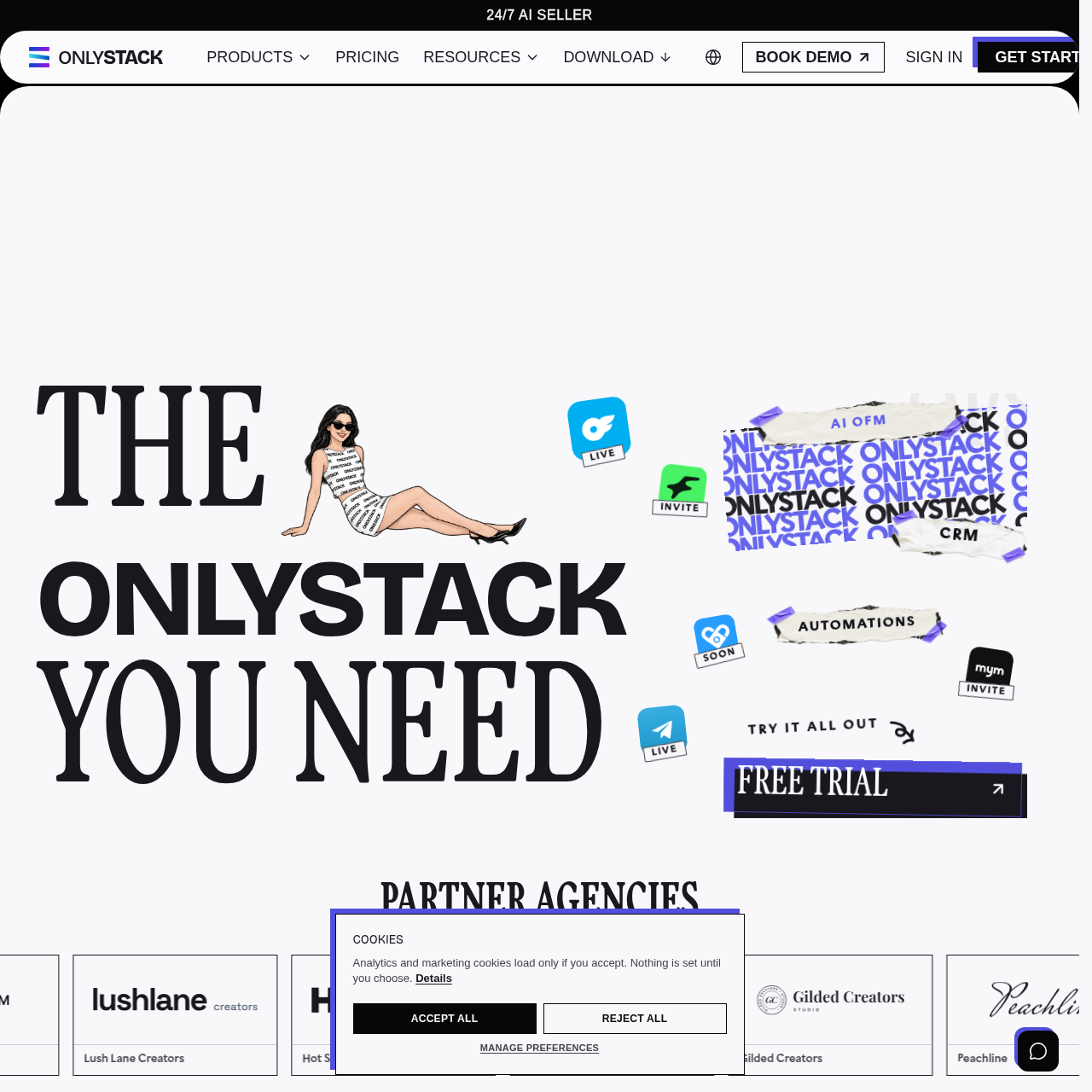
OnlyStack consolidates creator conversations in a shared inbox where chatters can see fan spending and send media from the vault without leaving the conversation.
The product separates routine messaging, fan conversations, and agency questions: automations send scheduled messages, AI chat agents respond to fans, and the AI assistant answers team questions using live creator data.
What Can You Use OnlyStack For?
Source-supported ways to use the product
Manage messaging across creators
Agency owners can assign chatters to creator accounts and set role-based permissions while keeping conversations in a shared inbox.
Handle routine subscriber outreach
Solo creators and agencies can use automations for welcome messages, follow-ups with quiet fans, and win-back messages for expiring subscribers.
AI Assistant and Chat Agents
The AI assistant is for agency questions and workflow requests. AI chat agents are fan-facing: they send replies automatically and can hand a conversation back to a team member.
The assistant uses live OnlyFans creator data to answer questions.
Chat agents adapt replies to the creator's conversational style.
OnlyStack Pricing
Human-maintained commercial information
subscriptionfree trial
USD 49/month
Pricing can change. Confirm the current plan and billing terms on the official site before purchasing.
What to Test Before Choosing OnlyStack
Checks to run with your own material and workflow
Verify that role-based permissions match the access needed by managers and chatters.
Review the automation run log to confirm it provides the details needed to track scheduled messages.
Check how AI chat agents hand conversations back to human chatters.
Answers based on the source-checked product record
Can an agency manage multiple creators in OnlyStack?+
Yes. Agencies can manage multiple creator accounts from one dashboard, assign chatters, and set role-based permissions.
What can OnlyStack automate?+
OnlyStack can send welcome messages, follow-ups, mass messages, and message sequences automatically. It also supports a queue for scheduled posts.
How do AI chat replies work?+
The chat agents use conversation context and past successful conversations to send personalized replies in the creator's style.
What can teams track in analytics?+
The dashboard shows revenue, conversion rates, fan engagement, and chatter performance. Teams can generate reports and export data for further analysis.
Which platforms support OnlyStack?+
OnlyStack offers a web workspace, desktop apps for macOS and Windows, and a Chrome extension.
More Chat Bot AI tools
Explore other recently added tools in the same category.