LastSpot favicon

LastSpot

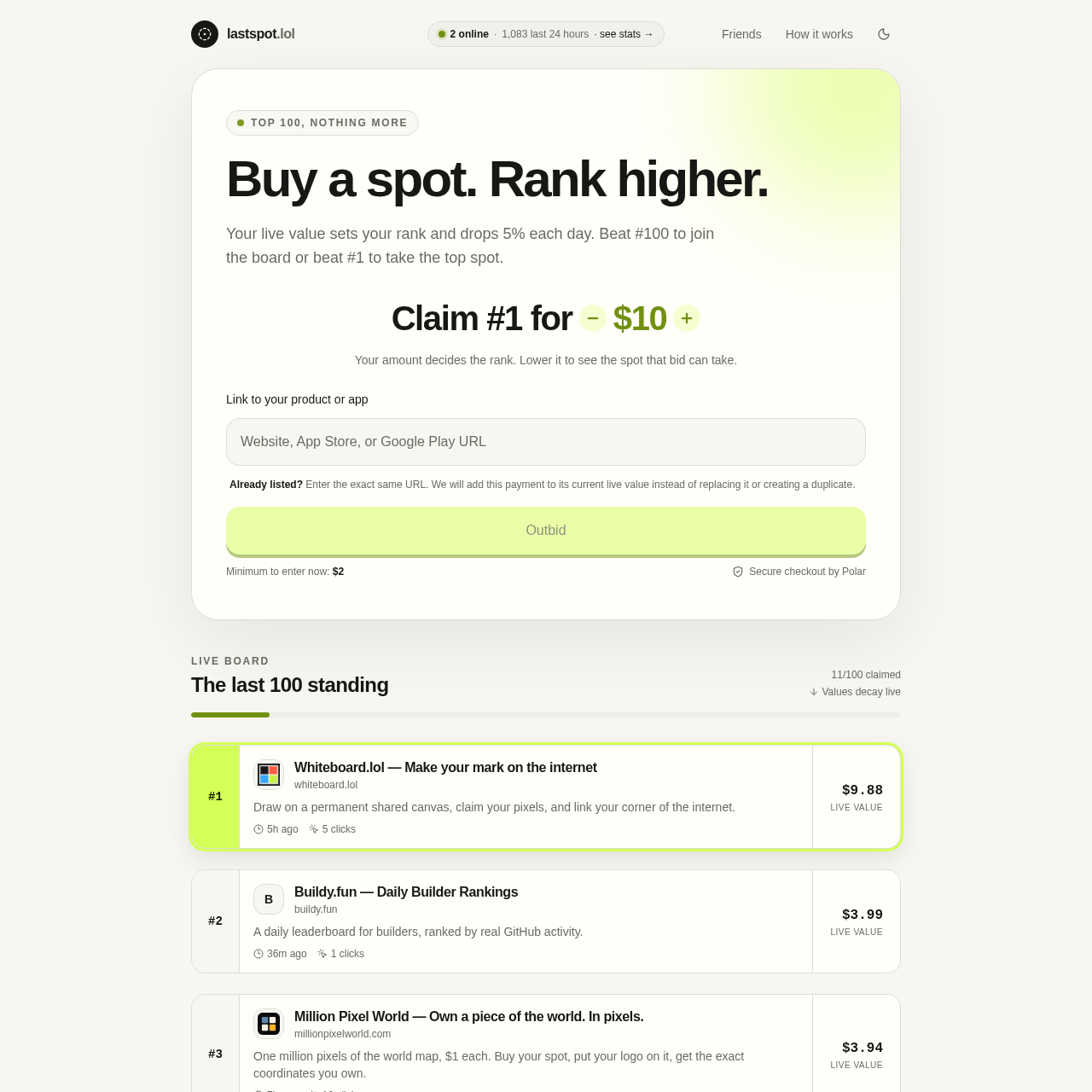
LastSpot is a competitive product leaderboard where visibility is determined by a decaying live value system.

BidRank products based on real-time bid…Track and display click countsAutomatically decay listing values to…Prevent duplicate listings by merging…
LastSpot product interface screenshot
Listed on AIToolly

What Is LastSpot? Product Overview

What the product does and how it is positioned

LastSpot operates as a public directory limited to 100 entries, where product visibility is tied to a bidding and decay mechanism. The platform is designed to showcase applications and websites based on their current live value relative to other participants.

The ranking logic incorporates a daily 5% reduction in value for every listing, so that the leaderboard remains dynamic. To secure or maintain a position, users must ensure their listing's value exceeds that of the competitors on the board.

What Can You Use LastSpot For?

Source-supported ways to use the product

Product Visibility

Developers can list their applications to gain exposure to the directory's audience based on their chosen rank.

Competitive Marketing

Users can actively manage their position on the leaderboard by topping up their listing's value to outbid others for the top spot.

How to Use LastSpot

The documented workflow, where available

  1. 1

    Submit Product Details

    Provide the URL for the product or application intended for the leaderboard.

  2. 2

    Determine Rank

    Enter a payment amount to see which spot on the leaderboard that specific value will secure.

  3. 3

    Complete Listing

    Finalize the submission through the secure checkout process to appear on the live board.

  4. 4

    Maintain Position

    Monitor the daily 5% decay and top up the listing value as needed to help reduce falling off the top 100 list.

Understanding the Live Value Decay System

The core of the platform's ranking logic is the daily 5% reduction in a listing's live value. This automated decay is designed so that no single product can hold a top position indefinitely without further investment, creating a constantly shifting leaderboard.

When a user submits a URL that is already listed, the system identifies the duplicate and adds the new payment to the existing decayed value. This allows users to boost their current rank rather than creating a new entry.

  • Rankings are recalculated in real-time based on the current live value of all entries.
  • To enter the board, a new submission must exceed the value of the 100th ranked item.
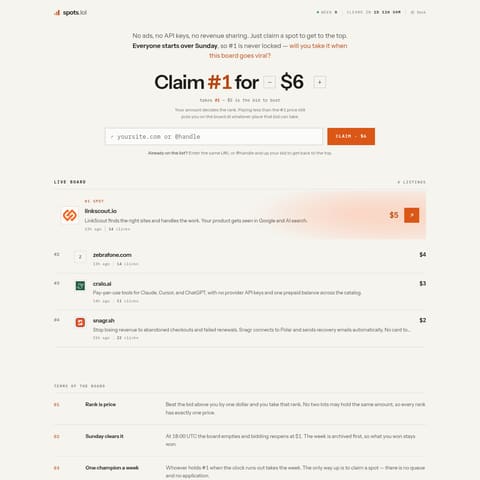
  • The UI displays the time since the last update and the total clicks received for each listing.

What to Test Before Choosing LastSpot

Checks to run with your own material and workflow

  • Verify the current minimum value required to enter the top 100 list.
  • Confirm how the 5% daily decay affects a listing's position over a specific timeframe.
  • Check the click statistics provided for existing listings to gauge potential traffic levels.
  • Review the current top-ranked products to understand the competitive landscape.

LastSpot Sources and Last Checked

What was checked and when

Official source
https://lastspot.lol/
Last checked
Category
Bid

LastSpot Frequently Asked Questions

Answers based on the source-checked product record

How is the ranking on the leaderboard determined?

Rankings are based on the live value of each listing, with higher values occupying higher spots on the board.

What happens to a listing's value over time?

Every 24 hours, the live value of each listing automatically decreases by 5%, which may result in a lower rank.

Can I update an existing listing?

Yes, by entering the exact same URL during the submission process, the new payment is added to the current live value.

How many products can be listed at once?

The directory is strictly limited to the top 100 products based on their current live value.

Does the platform track user engagement?

The leaderboard displays the number of clicks each listing has received and the time elapsed since it was last updated.

Explore other recently added tools in the same category.