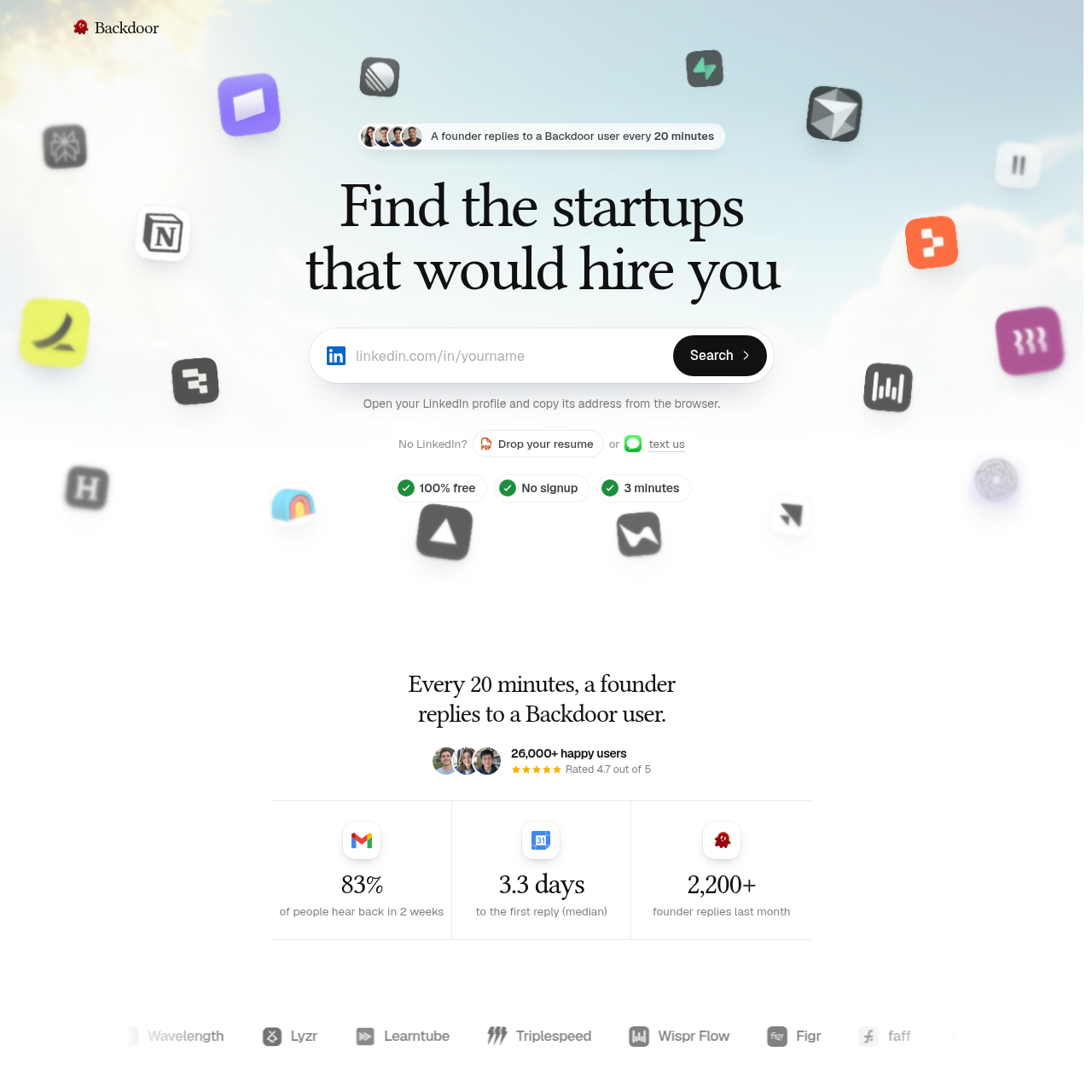
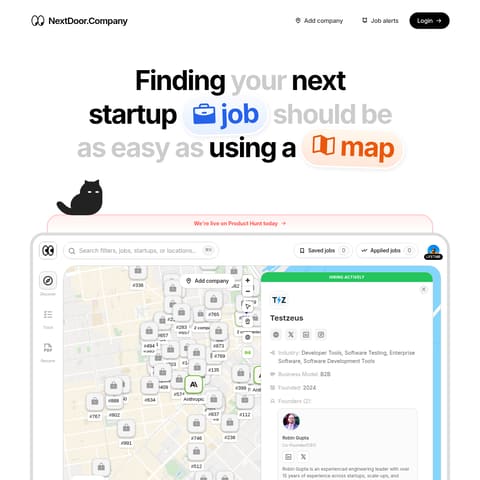
Backdoor finds startup matches each morning, drafts personalized emails to founders, and sends first emails through Gmail after the job seeker approves them.
Human Resources & ResumeResearches public LinkedIn profiles and…Revises outreach drafts based on…Lets job seekers cancel follow-ups in…Daily startup matching
Listed on AIToolly
What Is Hiring Right Now? Product Overview
What the product does and how it is positioned
The official product page uses the name Backdoor. The service focuses on job seekers targeting startups from pre-seed through Series C.
The service takes a LinkedIn profile, resume, or voice note as a starting point and asks what the job seeker wants next. It uses that information to select startups from recent funding, launch, and hiring news.
What Can You Use Hiring Right Now For?
Source-supported ways to use the product
Find startups that fit a job search
A job seeker targeting a particular startup stage or looking for remote work can share those preferences in chat so Backdoor can use them to select matches.
Contact a founder directly
A job seeker can review and edit a draft that connects relevant work experience to a startup, then approve it for sending through Gmail.
How to Use Hiring Right Now
The documented workflow, where available
1
Share a background and job preferences
The job seeker sends a LinkedIn profile, resume, or voice note. Backdoor researches the person's background and asks what they want from their next role.
2
Receive startup matches
Backdoor selects startups each morning using recent funding, launch, and hiring news.
3
Review the founder email draft
Backdoor finds the founder's email address and drafts a note. The job seeker can request edits, skip the draft, or approve it for sending.
4
Send and track the reply
After approval, Backdoor sends the first email from the connected Gmail account and follows up in the same thread. A founder reply stops follow-ups and triggers a text notification.
Gmail approval and follow-ups
Approval applies to the first email in each outreach thread. Backdoor handles subsequent follow-ups automatically within that thread.
The job seeker can cancel follow-ups at any time.
A founder reply ends follow-ups, triggers a text notification, and appears in full in the Gmail inbox.
What to Test Before Choosing Hiring Right Now
Checks to run with your own material and workflow
Check whether the daily matches reflect the startup stage and work preferences shared in chat.
Verify that each first email waits for approval and that follow-ups stay in approved threads.
Review the Gmail permissions for sending approved emails and detecting replies.