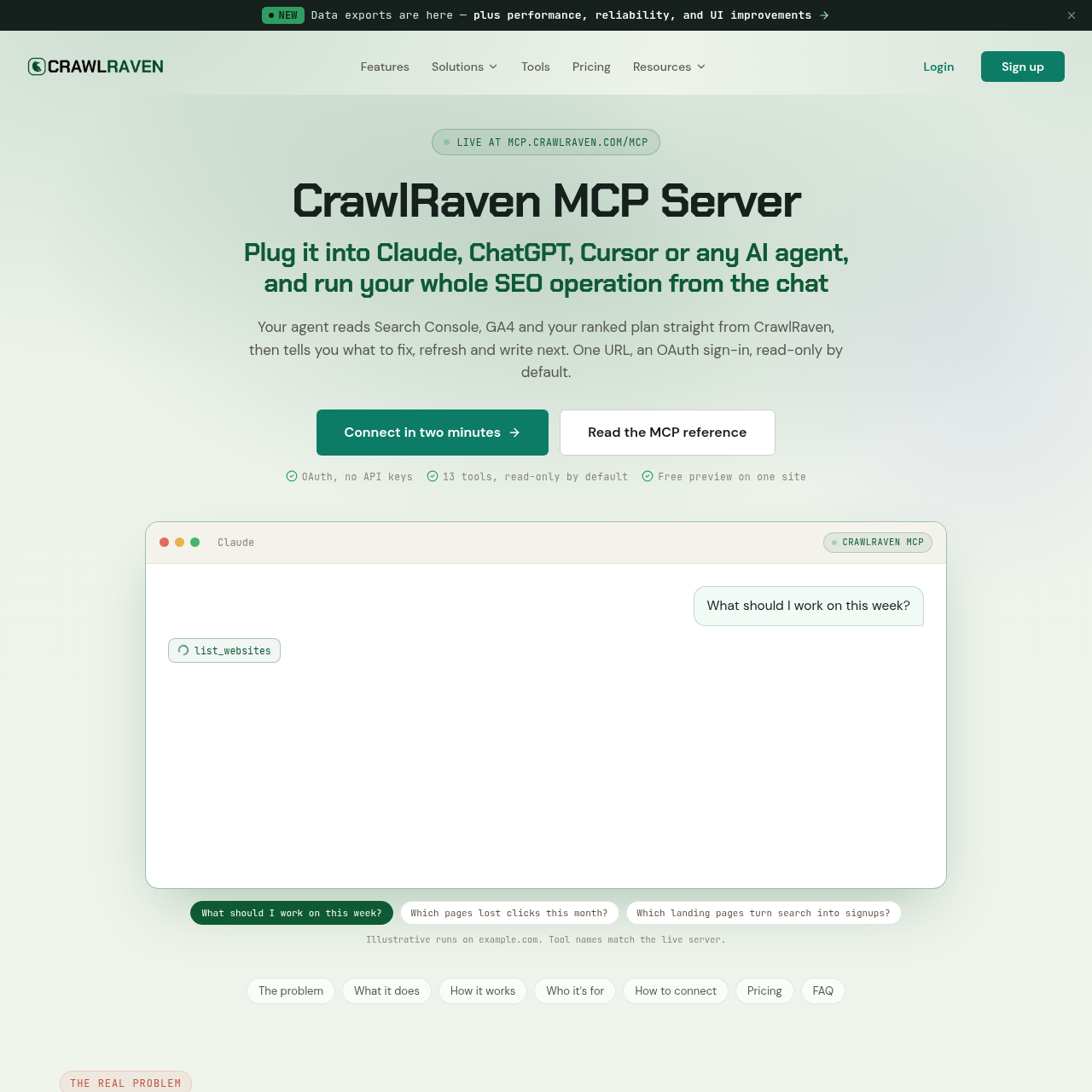
CrawlRaven MCP is a remote Model Context Protocol server designed to connect conversational AI agents directly to search engine and web analytics data. Operating over remote HTTP transport, the server exposes thirteen specialized tools that feed structured data into supported clients without requiring spreadsheet exports or manual VLOOKUP operations.
The platform integrates Google Search Console performance data, linked Google Analytics 4 user engagement metrics, and historical timeline markers into a single interface. Agents can query organic search trends over periods up to 365 days, correlate traffic changes with documented Google algorithm updates, and review prioritized actions such as content refreshes, click-through rate adjustments, and query conflict resolutions.
What Can You Use CrawlRaven MCP For?
Source-supported ways to use the product
Search Performance and Content Decay Triage
Marketing and SEO teams query historical Search Console metrics over 90 days to identify dropping pages, compare traffic losses against recorded Google algorithm updates, and generate content refresh briefs.
Keyword Ownership and Cannibalization Prevention
The company presents a customer use case from Bulk Mockup, where content creators check prospective blog topics against existing rankings and target keyword mappings to avoid self-cannibalization before publishing.
Conversion-Aligned Landing Page Optimization
Analysts join Search Console impressions and clicks with linked Google Analytics 4 key events to identify high-converting landing pages and prioritize optimization efforts.
How to Use CrawlRaven MCP
The documented workflow, where available
1
Connect Data Sources in CrawlRaven
Add the target website and connect Google Search Console inside the web application, optionally linking Google Analytics 4 for downstream event tracking.
2
Add Server Endpoint to the Client
Configure a custom connector inside an OAuth-compatible AI client using the remote Model Context Protocol server endpoint.
3
Authenticate and Grant Scopes
Follow the browser prompt to sign in to CrawlRaven and authorize the specific tool scopes permitted for the connection.
4
Submit Conversational SEO Queries
Ask the connected AI client questions using natural language to list websites, inspect search metrics, or request prioritized recommendations.
Tool Architecture and Access Governance
CrawlRaven MCP provides thirteen discrete tools spanning site discovery, Search Console metrics, Google Analytics 4 reporting, opportunity ranking, keyword mapping, timeline correlation, and note generation. Rather than rendering visual dashboard interfaces, the server delivers typed data rows that explicitly state reporting timeframes and truncation boundaries, enabling language models to analyze raw structured figures.
Security and governance are maintained through remote OAuth discovery and browser-level authorization. Users review and approve tool scopes before establishing a connection. Twelve of the thirteen tools operate in a read-only capacity, while the remaining note-generation tool produces draft timeline notes that remain staged until approved within the CrawlRaven interface.
Thirteen specialized tools organized across seven distinct SEO and analytics functions.
Typed data output format indicating query date ranges and any applied data truncation.
Read-only enforcement across twelve tools to help reduce unintended account modifications.
Staged execution for timeline updates requiring explicit confirmation in the web application.
What to Test Before Choosing CrawlRaven MCP
Checks to run with your own material and workflow
Confirm that your target AI client supports remote HTTP Model Context Protocol connections with OAuth discovery.
Verify whether your intended analysis requires more than 50 rows per query or historical windows beyond 28 days.
Check that Google Search Console and Google Analytics 4 accounts are properly linked within the main application before initiating tool calls.
Review the approved scope permissions to ensure the client connection only has access to authorized tools.
Answers based on the source-checked product record
What tools and data surfaces does the CrawlRaven MCP server cover?+
The server includes thirteen tools covering site listing, Search Console overviews, series, queries, and pages, linked GA4 events and engagement, ranked opportunities, target keywords, and site timeline notes.
Does connecting an AI client require manual API keys or tokens?+
No manual API keys or tokens are required. Connections are established through OAuth metadata discovery and browser-based authentication where users approve specific tool scopes.
Can connected AI agents make changes directly to website data?+
Connected agents operate under read-only permissions for twelve tools. The single tool that creates timeline notes places them in a pending state that requires manual approval in the web application.
Which AI clients are compatible with CrawlRaven MCP?+
The server works with OAuth-capable Model Context Protocol clients using remote HTTP transport, including Claude, Claude Desktop, Claude Code, ChatGPT, Codex, and Cursor.
What constraints apply to the free preview tier?+
The free preview tier limits access to one pinned website, seven read-only tools, a fixed 28-day data window, up to 50 rows per response, and 20 tool calls per account each day.
More SEO AI tools
Explore other recently added tools in the same category.