ArchyBase
AIToolly product video
See ArchyBase in motion
ArchyBase: The Comprehensive AI Interior and Exterior Design Platform for Professional 4K Renders
ArchyBase is an all-in-one AI design suite trusted by over 10,000 architects and homeowners. It transforms photos, sketches, and floor plans into photorealistic 4K renders in seconds. Features include AI interior styling, exterior facade redesign, landscape visualization, and instant 2D-to-3D conversion.
2026-06-25
23.0K
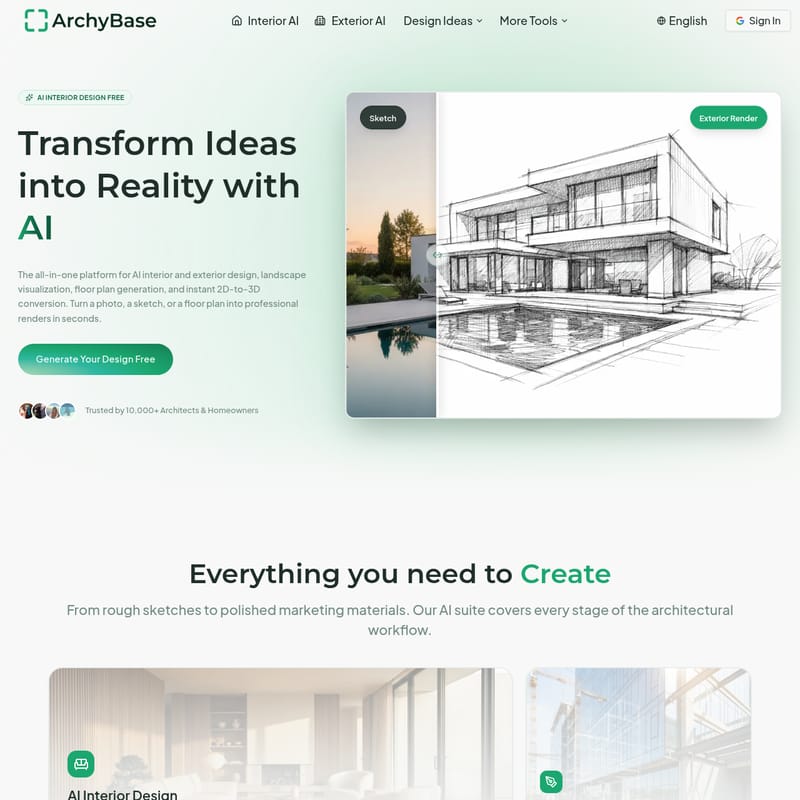
ArchyBase Product Information
ArchyBase: Transform Your Vision with the Ultimate AI Interior and Exterior Design Suite
In the modern world of architecture and home improvement, the ability to visualize a concept quickly and accurately is invaluable. ArchyBase emerges as the premier all-in-one platform for AI interior design, AI exterior design, landscape visualization, and floor plan generation. Designed to serve both professional architects and enthusiastic homeowners, ArchyBase turns simple ideas into photorealistic reality in seconds.
Whether you are starting with a rough napkin sketch, a 2D floor plan, or a simple photo of an empty room, this advanced AI home design tool provides everything you need to create professional-grade renders without the steep learning curve of traditional CAD software.
What’s ArchyBase?
ArchyBase is a powerful, AI-driven architectural ecosystem that streamlines the design workflow from concept to final visualization. It is a comprehensive toolset that leverages advanced GPU engines to deliver high-resolution renders 100x faster than manual modeling. Trusted by over 10,000 professionals and homeowners, the platform specializes in converting various inputs—such as sketches and photos—into stunning 4K visuals.
ArchyBase isn't just an image generator; it is a sophisticated engine that understands spatial depth, lighting, textures, and materials. From AI virtual staging to complex exterior facade redesigns, ArchyBase provides a scalable solution for anyone looking to remodel, build, or sell property.
Key Features of ArchyBase
ArchyBase offers a versatile suite of tools that cover every angle of the architectural and design process. Below are the core features that make it a leader in the AI design space:
1. AI Interior Design
This feature allows users to furnish empty rooms or completely restyle existing spaces. With support for over 30+ styles—including Modern, Scandinavian, Industrial, and Chic—you can transform a living room, kitchen, or bedroom instantly. It acts as a virtual interior designer that respects the existing proportions of your space.
2. Sketch to Render AI
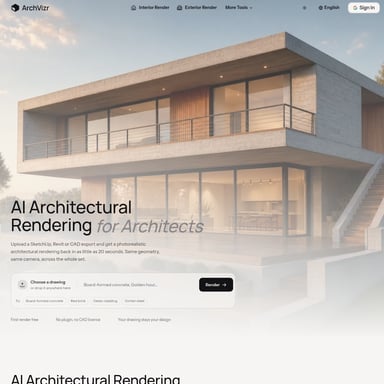
One of the most powerful tools for professionals, the Sketch to Render AI feature turns hand-drawn sketches or CAD line drawings into photorealistic architecture renders. It maintains the integrity of your original lines while adding realistic depth, materials, and lighting.
3. AI Landscape Generator
Visualize gardens, pools, and patios with the best free AI landscape design tool from a photo. Homeowners can see the potential of their backyards, and contractors can use it to help clients visualize outdoor transformations before construction begins.
4. AI Exterior Home Design
Give any property a digital facelift. This tool allows you to change facades, siding, roofing materials, and lighting with high precision. It is the perfect solution for planning a renovation or increasing a home's curb appeal.
5. AI Floor Plan Generator & Floor Plan to 3D
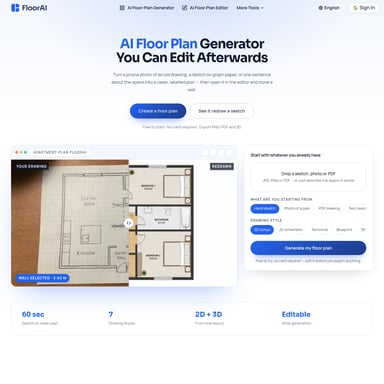
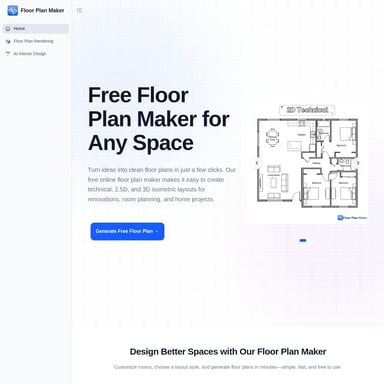
Move beyond flat blueprints. You can draw clean 2D floor plans from a simple prompt and instantly switch to a 3D isometric style. The Floor Plan to 3D tool turns flat layouts into furnished 3D models, allowing you to walk through the flow of a space virtually.
How to Use ArchyBase
Transforming your space with ArchyBase is designed to be a simple, three-step process that requires no technical expertise:
- Upload Your Source: Start by uploading a photo of your current room, a photo of your house exterior, a rough sketch, or even a 2D floor plan.
- Select Your Style: Choose from over 35+ architectural and interior styles. You can specify the mood, lighting conditions, or materials you wish to see.
- Generate and Refine: Click to generate and receive your photorealistic 4K render in under 10 seconds. You can iterate on different ideas instantly until you find the perfect design.
Use Cases: Who is ArchyBase For?
ArchyBase is built to cater to a wide variety of users in the real estate and design industries:
For Architects and Designers
Architects like David Chen use the Sketch to Render AI to bring early concepts to life during client meetings. Interior designers use it to generate multiple variations of a room in the time it would traditionally take to render just one, significantly speeding up the presentation phase.
For Real Estate Agents and Home Stagers
AI virtual staging is a game-changer for selling properties. Agents can fill vacant rooms with modern furniture in seconds, helping potential buyers visualize the home's potential and boosting sales speed.
For Homeowners and Renovators
If you are planning a DIY renovation, ArchyBase allows you to see the results before spending a dime. Homeowners use the AI exterior home design tool to test paint colors and siding materials, or the AI landscape generator to plan their dream backyard.
For Contractors
Contractors use ArchyBase to close deals faster by showing homeowners exactly what a finished project—like a new deck or a remodeled kitchen—will look like using a photo of the current messy construction site.
Why Professionals Choose ArchyBase
- Speed: Generate stunning visuals in under 10 seconds with no rendering queues.
- Quality: Crisp 4K results that hold up in professional client presentations and printed portfolios.
- Precision: The engine respects physical lighting, shadows, and material textures for a look that is indistinguishable from real photography.
- All-in-One Suite: No need to switch between apps; every tool from floor plans to 3D conversion lives under one roof.
FAQ
Is there a free AI interior design app? Yes, ArchyBase offers a free tier that includes 4 AI design generations, allowing you to try the core features without a credit card.
How does the Sketch to Render AI work? It takes a line drawing or rough sketch and uses advanced AI to fill in the lighting, materials, and depth, creating a realistic architectural visualization while staying faithful to your original lines.
Can I use this for AI landscape design? Absolutely. The AI landscape generator allows you to upload a photo of an outdoor space to visualize gardens, pools, and patios.
Is this suitable for exterior home design? Yes, the AI exterior home design tool is specifically made for facade redesigns, helping you experiment with siding, paint, and architectural styles.
Do you support floor plans? Yes, ArchyBase includes an AI floor plan generator and a tool to convert 2D floor plans into furnished 3D models.
How long does it take to generate a design? Most designs are generated in under 10 seconds thanks to our optimized GPU engine.
Can I use the generated images commercially? Commercial use is supported in our paid plans (Starter, Plus, and Professional), which also include watermark-free original image downloads.
What image formats do you support? ArchyBase supports high-resolution downloads suitable for client presentations and portfolios.