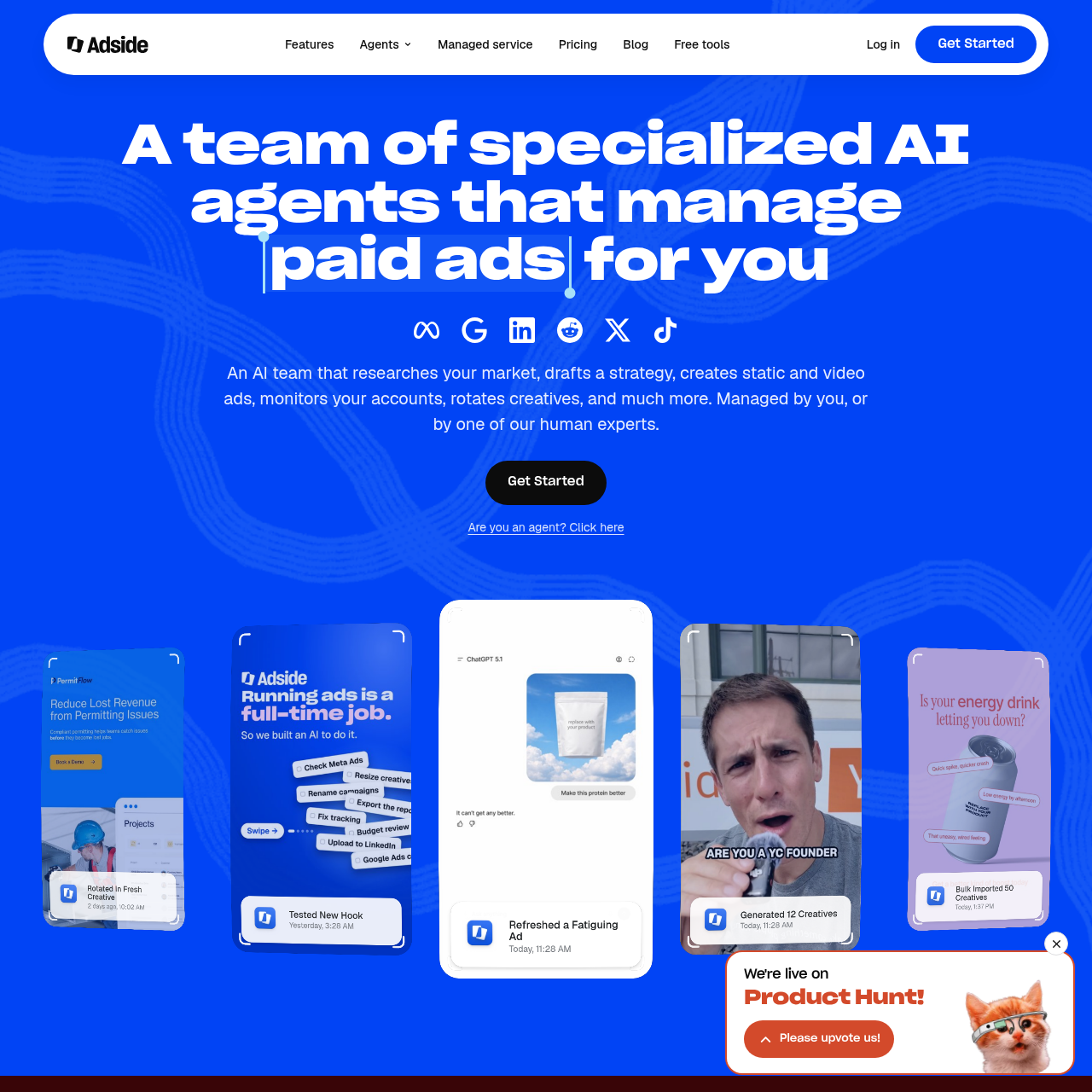
Adside uses specialized AI agents to research competitors, draft campaigns, create ads, and monitor paid ad accounts. Teams can manage the agents directly or work with a human expert through the managed service.
Sales & MarketingDiscover and track competitors in a niche.Monitor ad accounts and rotate creatives.Bulk-import ad creatives.Manage paid ads
Listed on AIToolly
What Is Adside? Product Overview
What the product does and how it is positioned
Adside brings paid ad research, creative production, reporting, and account operations into one workspace. Its agents can track competitor ads, draft campaign settings and copy from a brief, and produce static and video ads.
With AI Agency, teams manage the agents directly across Meta, Google Ads, LinkedIn, Reddit, and X. The managed service assigns a human expert to manage the accounts and agents and also covers TikTok and Snapchat.
What Can You Use Adside For?
Source-supported ways to use the product
Track competitor messaging
A marketing team can follow competitors in an ad board and use launch notifications to see when those competitors introduce new ads.
Prepare campaigns from a brief
A paid media team can start with proposed audiences, budgets, and ad sets, then edit the draft copy for each audience.
Review creative performance
An agency can use top creative reports to review ad performance while managing campaigns for multiple brands.
How to Use Adside
The documented workflow, where available
1
Connect ad accounts
The documented setup starts with connecting Meta, Google Ads, and LinkedIn accounts.
2
Add brands
The team adds the brands it wants to manage in Adside after connecting the accounts.
How a retargeting draft is prepared for review
Adside’s product example shows a user requesting retargeting campaigns for Meta, Google Ads, and LinkedIn. The agents prepare a separate draft for each platform using pixel data and customer lists.
The example suggests reviewing the audiences and adjusting the budget split by channel.
Approval and launch in a paused state are shown as user steps.
What to Test Before Choosing Adside
Checks to run with your own material and workflow
Confirm whether each required ad platform is covered by AI Agency or requires the managed service.
Review whether the proposed audiences, budgets, and ad sets from a campaign brief fit the team’s approval process.
Check whether the top creative reports provide the detail needed for campaign reviews.