Aaavatar
aaavatar: Professional Team Portrait Tool for Automatic Background Removal and Unified Branding
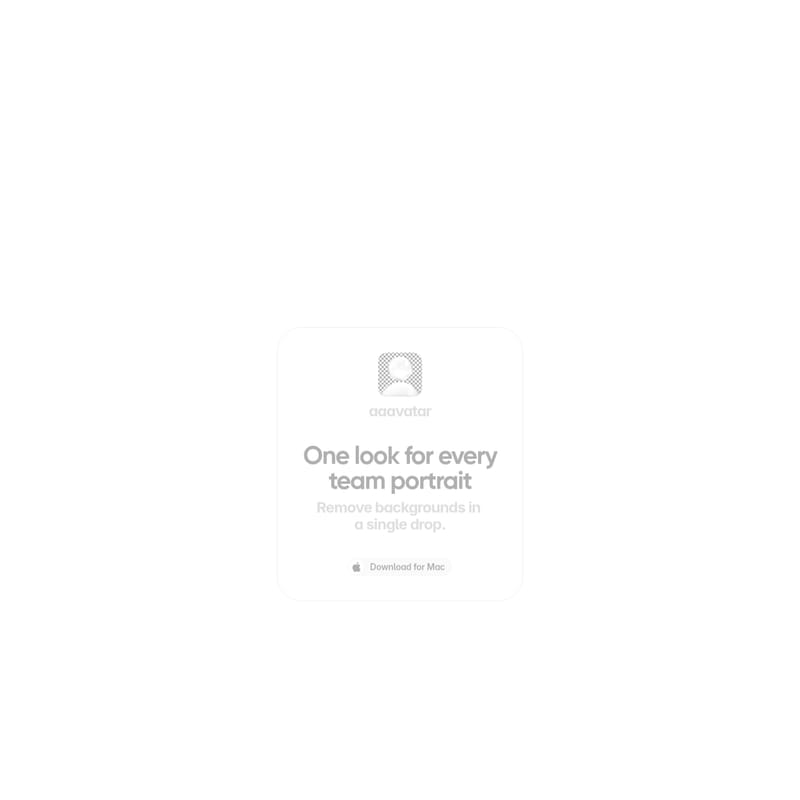
aaavatar is a powerful Mac application designed to create a cohesive look for every team portrait. By automatically removing backgrounds and offering one-click retouching features like face alignment and shoulder filling, aaavatar ensures your team looks professional across LinkedIn, Slack, and email. Developed by Square One, this tool simplifies branding by standardizing team photos with brand colors or custom backgrounds.
2026-05-06
--K
Aaavatar Product Information
aaavatar: Achieving One Professional Look for Every Team Portrait
In the modern digital landscape, the visual representation of a team is a vital component of brand identity. aaavatar emerges as a specialized solution designed to bring consistency and professionalism to corporate headshots. With its focus on simplicity and high-quality output, aaavatar allows businesses to ensure that every team member presents a unified front, regardless of where or how their original photo was taken. Developed by Square One, this tool is an essential asset for any organization looking to polish its digital presence.
What's aaavatar?
aaavatar is an intuitive application for Mac users that streamlines the process of creating professional team portraits. The primary goal of aaavatar is to provide "one look for every team portrait." It achieves this by taking individual, often mismatched photos of team members and transforming them into a cohesive set of avatars.
Whether you are updating a company website, standardizing Slack profiles, or preparing LinkedIn headshots, aaavatar removes the complexity of manual photo editing. It is built for efficiency, allowing users to remove backgrounds in a single drop and apply consistent styling across an entire department or company. By focusing on automation and user-friendly features, aaavatar ensures that high-quality branding is accessible to everyone.
Features of aaavatar
Automatic Background Removal
The standout feature of aaavatar is its ability to remove backgrounds automatically. Users do not need to manually trace outlines or use complex masking tools. By simply dropping a photo into the application, the software detects the subject and clears the background instantly, providing a clean slate for further customization.
Customizable Background Options
Once the original background is removed, aaavatar offers several paths to achieve the perfect look:
- Pick a Preset: Users can select from a variety of pre-designed backgrounds that offer a clean, professional aesthetic.
- Match Your Brand Color: To maintain strict brand guidelines, aaavatar allows you to input and match your specific brand colors, ensuring every portrait fits your corporate palette.
- Upload Your Own: For complete creative freedom, you can upload a custom background to be used as the standard for all team members.
One-Click Retouching and Polishing
aaavatar includes a suite of intelligent retouching tools that function with just a single click. These features are designed to fix common issues found in casual photography:
- Fill in Missing Shoulders: Often, photos are cropped too closely, leaving the subject looking incomplete. aaavatar can intelligently fill in missing shoulders to create a well-proportioned portrait.
- Auto-Align Faces: Consistency in a grid view is crucial for "Meet the Team" pages. aaavatar automatically aligns the faces across different shots so that eyes and head positions remain uniform.
- Polish Every Shot: Beyond structural fixes, the tool applies a general polish to every image, enhancing the overall quality and ensuring a professional finish for every team member.
Seamless Platform Integration
Efficiency is at the heart of aaavatar. Once the portraits are finalized, the application facilitates easy exporting to the platforms where your team is most active. You can export directly to:
- Slack
- And other professional communication channels.
Use Case for aaavatar
Corporate Brand Alignment
One of the most common use cases for aaavatar is in corporate branding. When team members upload their own photos to internal and external platforms, the result is often a chaotic mix of lighting, backgrounds, and angles. aaavatar solves this by providing a unified style. A company can take photos from various sources and use aaavatar to place them all against a specific brand color, creating an immediate sense of professional harmony.
Rapid Employee Onboarding
As companies scale, onboarding new employees quickly is essential. aaavatar allows HR and marketing teams to generate a professional headshot for a new hire in seconds. Instead of scheduling a professional photoshoot, a new employee can provide a simple photo, and aaavatar will retouch, align, and brand it to match the rest of the team instantly.
Enhancing Remote Team Unity
For remote and distributed teams, having a consistent look on Slack and other communication tools helps build a sense of belonging. aaavatar allows remote employees to feel like part of the same office environment by giving everyone "one look" regardless of their physical location.
How to Use aaavatar
Using aaavatar is a straightforward process designed for speed. Follow these steps to create your professional team portraits:
- Download for Mac: Install the aaavatar application on your Mac device to get started.
- Drop Photos: Take the photos of your team members and drop them into the interface. The backgrounds are removed automatically upon import.
- Pick a Background: Navigate the styling options to pick a background. You can choose a preset, match your brand color, or upload your own unique background image.
- Retouch in One Click: Use the retouching tools to fill in missing shoulders and auto-align faces. This step ensures that all shots are polished and uniform.
- Export: Once satisfied with the results, export the finished portraits to your desired platforms such as LinkedIn, Slack, and email.
FAQ
Q: What operating system does aaavatar support? A: aaavatar is currently available as a Download for Mac.
Q: Can I use my own company branding in aaavatar? A: Yes. You can match your specific brand color or upload a custom background to ensure all portraits align with your company's visual identity.
Q: Is the background removal process manual or automatic? A: In aaavatar, backgrounds are removed automatically the moment you drop a photo into the application.
Q: How does the auto-align faces feature help? A: The auto-align feature ensures that when portraits are viewed together (such as in a team directory or on Slack), the faces are positioned consistently, creating a much more professional and organized appearance.
Q: Who created aaavatar? A: aaavatar is a tool developed by Square One.
Q: What if a photo is cropped too high and is missing shoulders? A: aaavatar includes a specific feature to fill in missing shoulders, helping to reconstruct the image for a more traditional portrait look.
Q: Where can I use the exported photos? A: You can export your polished aaavatar shots to LinkedIn, Slack, email, and any other platform that requires a professional team portrait.