Wispr Flow Notetaker
Wispr Flow Notetaker: AI Meeting Notetaker
Capture accurate meeting notes with Wispr Flow Notetaker. This AI meeting notetaker identifies speakers, works across platforms, and integrates with AI tools.
2026-08-06
4600.0K
Structured product information
Wispr Flow Notetaker: At a glance
Last checked: · Official source
Key features
Context-aware transcription
Uses context from calendar participants, personal dictionaries, and connected tools like Gmail and Slack to ensure names and jargon are spelled correctly.
Automatic recording
One button joins and records meetings, including back-to-back calls and meetings not on the calendar.
Speaker identification
Identifies exactly who said what during a conversation so nothing is lost in follow-up.
AI tool integration
Plugs into Claude, ChatGPT, Cursor, and any tool that supports the Model Context Protocol (MCP).
One-click history import
Allows users to move their entire history from Granola in one click.
Best for
- Leaders
- Developers
- Creators
- Customer Support
- Students
Supported platforms
- Mac
- Linux (Coming soon)
Limitations
- Coming soon on Linux
Wispr Flow Notetaker Product Information
Wispr Flow Notetaker is an AI meeting notetaker designed to capture conversation details across various platforms. It functions as meeting transcription software that records audio from Google Meet, Microsoft Teams, Slack Huddles, and in-person discussions. By focusing on technical accuracy and speaker identification, the tool provides a record of professional interactions that can be used for follow-up tasks and documentation.
Context-Aware Transcription and Accuracy
The software utilizes context-aware transcription to improve the precision of its outputs. Unlike standard transcription tools that process audio in isolation, Wispr Flow Notetaker incorporates data from a user's calendar, personal dictionary, and connected applications like Gmail and Slack. This integration allows the system to identify and spell specific names, technical jargon, and project-specific terminology correctly. According to the provider, every transcript undergoes a second pass from a more powerful model to identify and correct potential errors.
Speaker Identification and Meeting Management
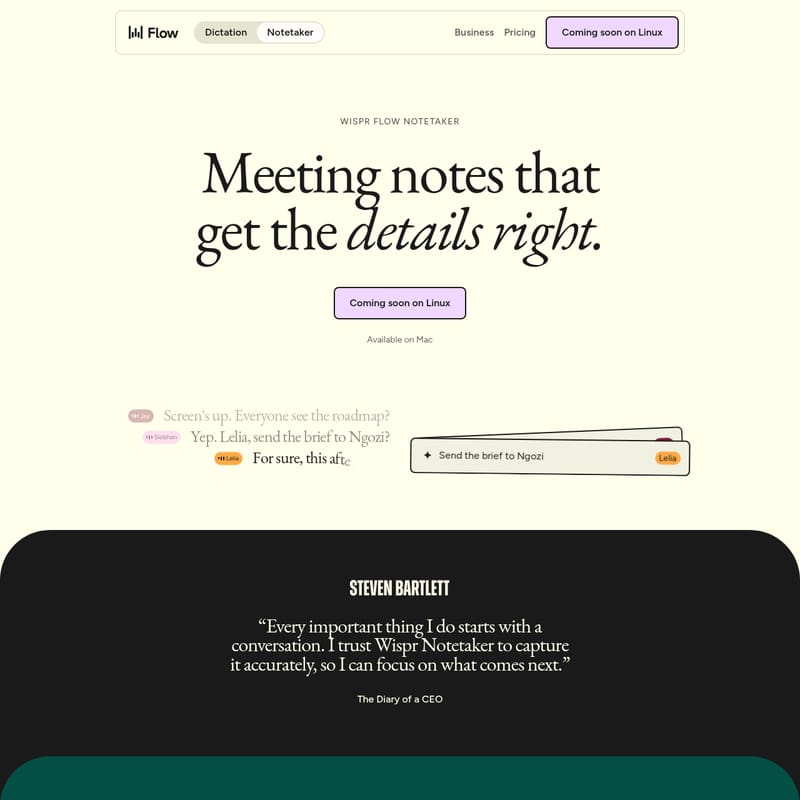
A core component of the tool is its speaker identification capability. The system distinguishes between different participants in a conversation, attributing specific statements to the correct individual. This feature helps users track action items and responsibilities without losing the context of who made a particular commitment during the session.
The recording process is initiated via a single button that joins and records meetings. The software is capable of capturing back-to-back calls and sessions that are not explicitly listed on a user's digital calendar. This flexibility ensures that unscheduled interactions or spontaneous huddles are documented alongside formal appointments.
Workflow Integration with an AI Meeting Notetaker
Wispr Flow Notetaker is built to fit into existing technical workflows. It features MCP integration, allowing it to connect with AI tools such as Claude, ChatGPT, and Cursor. This Model Context Protocol support enables users to move their meeting data into their preferred AI environments for further analysis or task management. For those transitioning from other platforms, the tool includes a one-click history import for Granola. This allows for the migration of an entire meeting history into the ecosystem without manual data entry.
Platform Support and Target Audience
Currently, Wispr Flow Notetaker is available on Mac. The provider has indicated that a version for Linux is coming soon. As an AI meeting notetaker, the software is designed for a variety of professional roles, including leaders, developers, creators, and customer support staff. It is also utilized by students who require automated meeting summaries for lectures or group projects. The tool aims to capture every word exactly as it was said, providing a reliable foundation for professional follow-up.
Frequently Asked Questions
How accurate are the transcripts?
Notetaker uses context from your calendar, personal dictionary, and connected tools like Gmail and Slack to correctly spell names and jargon. Additionally, every transcript receives a second pass from a powerful model to catch mistakes.
What apps and tools does Notetaker work with?
Notetaker works with Google Meet, Teams, Huddles, and in-person meetings. It also connects with AI tools such as Claude, ChatGPT, Cursor, and any tool that speaks MCP.
Can I record meetings that aren't on my calendar?
Yes, Notetaker can catch back-to-back calls and meetings that are not listed on your calendar.
I'm coming from Granola, do I lose my history?
No, you can move your entire history from Granola over to Wispr Flow Notetaker in one click.
What does Wispr Flow Notetaker do?
Context-aware transcription: Uses context from calendar participants, personal dictionaries, and connected tools like Gmail and Slack to ensure names and jargon are spelled correctly. Automatic recording: One button joins and records meetings, including back-to-back calls and meetings not on the calendar. Speaker identification: Identifies exactly who said what during a conversation so nothing is lost in follow-up. AI tool integration: Plugs into Claude, ChatGPT, Cursor, and any tool that supports the Model Context Protocol (MCP). One-click history import: Allows users to move their entire history from Granola in one click.