NotebookLM Custom Infographic Styles
NotebookLM Custom Infographic Styles for Data Visualization
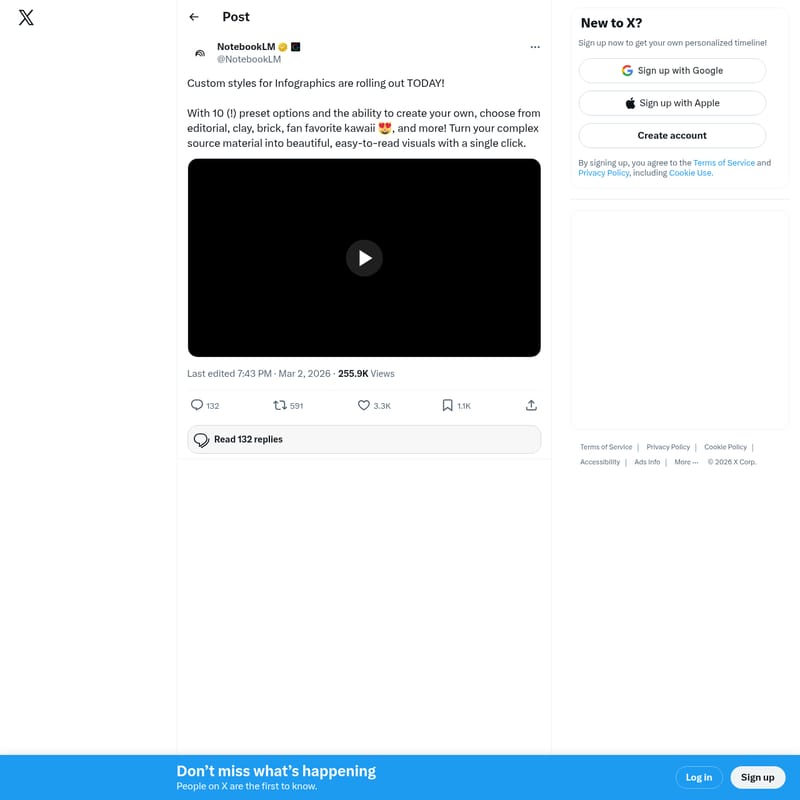
NotebookLM has introduced a powerful update allowing users to transform complex source material into easy-to-read infographics. With 10 preset custom styles, including editorial, clay, brick, and kawaii, users can generate professional visuals with a single click. This enhancement streamlines the process of turning deep research into engaging content, offering both predefined and bespoke styling options for maximum creative flexibility.
2026-04-05
4399400.0K
NotebookLM Custom Infographic Styles Product Information
NotebookLM Custom Infographic Styles: Transform Complex Data into Visuals
In the era of information overload, the ability to synthesize complex data into digestible visuals is a game-changer. NotebookLM has officially leveled up its capabilities by rolling out Custom styles for Infographics. This update is designed to help users bridge the gap between deep research and engaging visual communication, making it easier than ever to share insights derived from extensive source materials.
What's NotebookLM Custom Infographic Styles?
NotebookLM Custom Infographic Styles is a new feature set within the NotebookLM platform that allows users to convert their uploaded documents and notes into structured, aesthetic infographics. Instead of manually designing layouts, users can now leverage the power of NotebookLM to automate the visualization process.
Whether you are dealing with academic papers, business reports, or creative brainstorms, NotebookLM takes your "complex source material" and reimagines it as a "beautiful, easy-to-read visual." With this update, the platform moves beyond text-based summaries to provide a multi-modal experience that caters to visual learners and professional communicators alike.
Key Features of NotebookLM Infographics
The latest update to NotebookLM brings a variety of tools designed to give users both speed and creative control. Below are the standout features included in this rollout:
1. Ten Diverse Preset Styles
NotebookLM now offers ten distinct preset options to ensure your infographic matches the tone of your content. These include:
- Editorial: Perfect for professional reports and news-style summaries.
- Clay: A modern, tactile aesthetic for a unique look.
- Brick: A structured, solid design style.
- Kawaii: A fan-favorite style that adds a cute and friendly touch to data.
- And more: Various other presets designed to fit different niches and preferences.
2. Bespoke Customization
Beyond the presets, NotebookLM allows for the "ability to create your own" styles. This ensures that if the ten presets do not perfectly match your brand or vision, you have the flexibility to customize the output to meet your specific needs.
3. One-Click Transformation
Efficiency is at the core of NotebookLM. The tool allows you to turn your source material into a visual with a single click. This removes the barrier to entry for those who may not have graphic design skills but need high-quality visual assets.
4. Handling Complex Source Material
One of the most impressive feats of NotebookLM is its capacity to digest dense information. The AI analyzes the hierarchy and key points of your data to ensure the resulting infographic is not just pretty, but also accurate and informative.
Use Case Scenarios for NotebookLM
How can you best utilize the new NotebookLM Custom Infographic Styles? Here are several ways this feature can be integrated into your workflow:
Academic Research
Students and researchers can use NotebookLM to summarize long-form thesis papers into a single-page infographic, making it easier to present findings during seminars or poster sessions.
Content Creation
Social media managers and bloggers can take a long-form article and, using the Kawaii or Editorial styles, create shareable snippets that drive engagement on platforms like X (formerly Twitter) or LinkedIn.
Business Reporting
Professionals can take complex quarterly data or meeting notes and use the Brick or Editorial styles to create clear executive summaries for stakeholders.
Personal Learning
If you are studying a new subject, use NotebookLM to visualize the connections between different concepts in your notes, helping you memorize information more effectively through visual association.
How to Use NotebookLM Infographic Styles
Using the new styles in NotebookLM is straightforward and designed for a seamless user experience:
- Upload your Source Material: Start by providing the documents or notes you want to summarize.
- Select the Infographic Tool: Navigate to the infographic generation section within the NotebookLM interface.
- Choose a Style: Select one of the 10 preset options like Clay, Editorial, or Kawaii.
- Generate: Click once to let NotebookLM process the information.
- Refine (Optional): Use the customization tools to create your own unique look if the presets aren't exactly what you need.
FAQ
Q: How many preset styles are available in NotebookLM? A: There are currently 10 preset options available, including editorial, clay, brick, and kawaii.
Q: Can I create my own style in NotebookLM? A: Yes, in addition to the presets, NotebookLM provides the ability to create your own custom styles.
Q: Is it difficult to turn text into an infographic? A: Not at all. NotebookLM is designed to transform complex source material into visuals with a single click.
Q: Who can benefit from these custom styles? A: Anyone who needs to make data easier to read, from students and researchers to business professionals and content creators.
By integrating these new custom styles, NotebookLM continues to be a leading tool for anyone looking to maximize the utility of their information and share it with the world in a beautiful, accessible format.