MCP-Builder.ai favicon

MCP-Builder.ai

MCP-Builder.ai automates the creation, security, and hosting of Model Context Protocol servers, allowing users to connect diverse data sources to AI tools via natural language prompts.

Code & ITConnects legacy and modern data systems…Automates the building, securing, and…Facilitates data accessSupports deployment in specific…
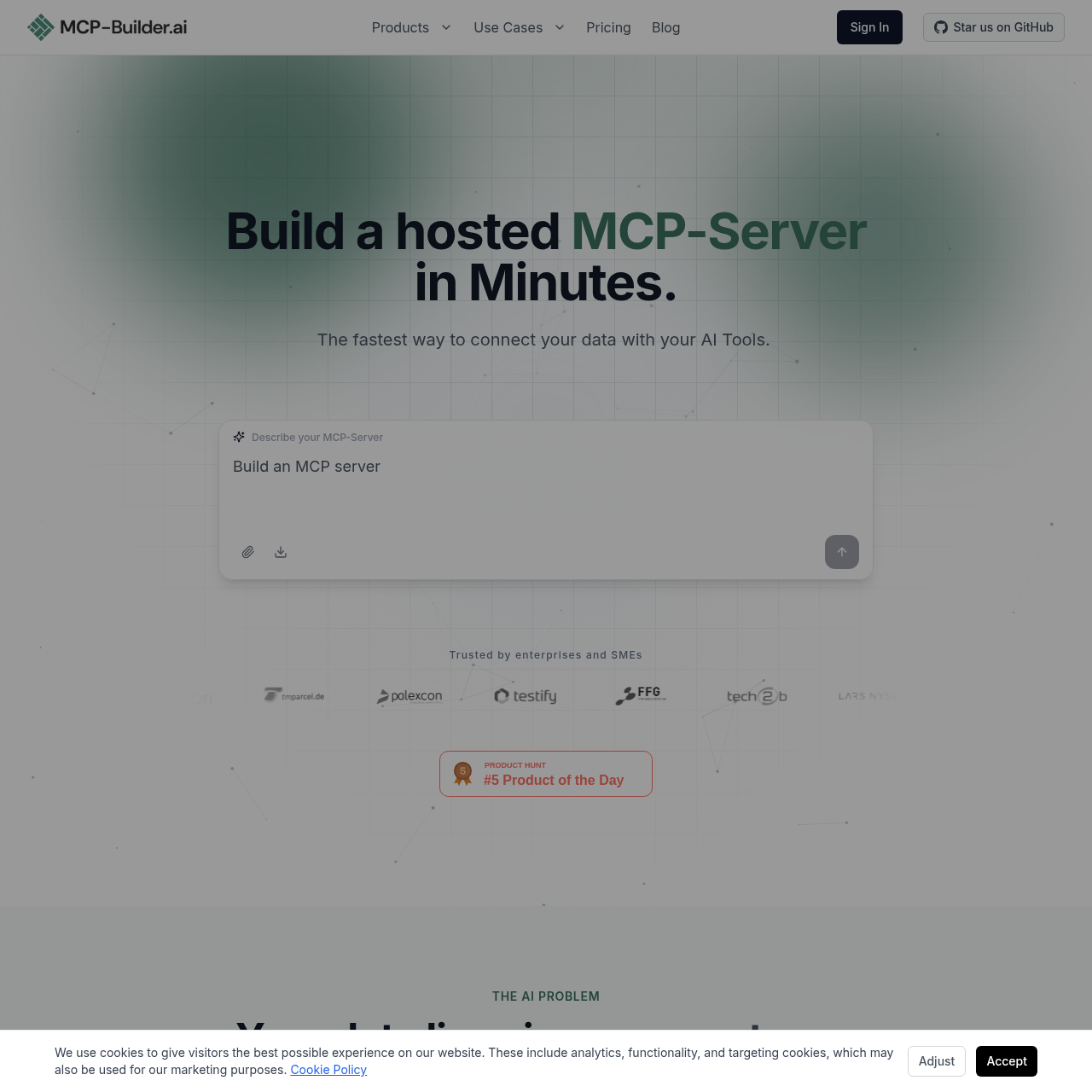
MCP-Builder.ai product interface screenshot
Estimated monthly visits
1K
Data period:
Listed on AIToolly

What Is MCP-Builder.ai? Product Overview

What the product does and how it is positioned

MCP-Builder.ai is a platform designed to bridge the gap between internal data systems and AI assistants by generating hosted Model Context Protocol (MCP) servers.

The service converts natural language descriptions into servers that connect to APIs, databases, and legacy systems without requiring manual DevOps or infrastructure management.

What Can You Use MCP-Builder.ai For?

Source-supported ways to use the product

Developer Productivity

Developers can log Jira hours directly within their IDE by connecting project management data to an AI tool.

Financial Data Analysis

Users can query accounting software in natural language from ChatGPT to retrieve invoice data and financial records.

Enterprise Resource Planning

Organizations can update SAP records through Microsoft Copilot with a full audit trail of modifications triggered by the AI assistant.

How to Use MCP-Builder.ai

The documented workflow, where available

  1. 1

    Describe Use Case

    Provide a plain English description of the desired server functionality and the specific data systems to be connected.

  2. 2

    Automated Build and Host

    The platform generates a production-ready MCP-Server, adds authentication, and hosts it in a managed environment.

  3. 3

    Client Integration

    Copy the generated server URL and paste it into a compatible MCP client such as Claude, ChatGPT, or Microsoft Copilot.

Enterprise Security and Data Privacy

The platform implements a secure-by-design architecture where data is never persisted on the server; instead, it is read at request time and forwarded to the AI client.

For organizations with strict compliance needs, the platform offers flexible deployment options including EU-based hosting for GDPR alignment and the ability to run the entire server stack on-premise within private infrastructure.

  • End-to-end TLS encryption for all connections
  • Support for OAuth, API keys, and JWT authentication
  • Detailed audit logs for every tool call made by the AI
  • Fine-grained access control for data sources

What to Test Before Choosing MCP-Builder.ai

Checks to run with your own material and workflow

  • Confirm the specific database or API type is supported by the platform's connectivity list.
  • Verify that the chosen AI client supports the Model Context Protocol for server integration.
  • Check if the required authentication method, such as OAuth or JWT, is available for the target data source.

MCP-Builder.ai Sources and Last Checked

What was checked and when

Last checked
Category
Code & IT

MCP-Builder.ai Frequently Asked Questions

Answers based on the source-checked product record

What is a hosted MCP-Server?

A hosted MCP-Server is a managed infrastructure component that uses the Model Context Protocol to securely connect AI assistants to external data sources.

Is data stored on the MCP-Builder.ai servers?

No, the platform does not persist user data on its servers; instead, data is retrieved at request time and forwarded directly to the AI client.

Which AI tools are compatible with these servers?

The servers are compatible with any Model Context Protocol client, such as Claude, ChatGPT, Microsoft Copilot, Cursor, Windsurf, and Gemini.

Can the server be deployed on private infrastructure?

Yes, the platform offers on-premise options for organizations that need to run the MCP-Server within their own infrastructure.

How is access to the data sources secured?

The platform secures servers using industry-standard methods including OAuth, API keys, JWT, TLS encryption, and fine-grained access controls.

Explore other recently added tools in the same category.