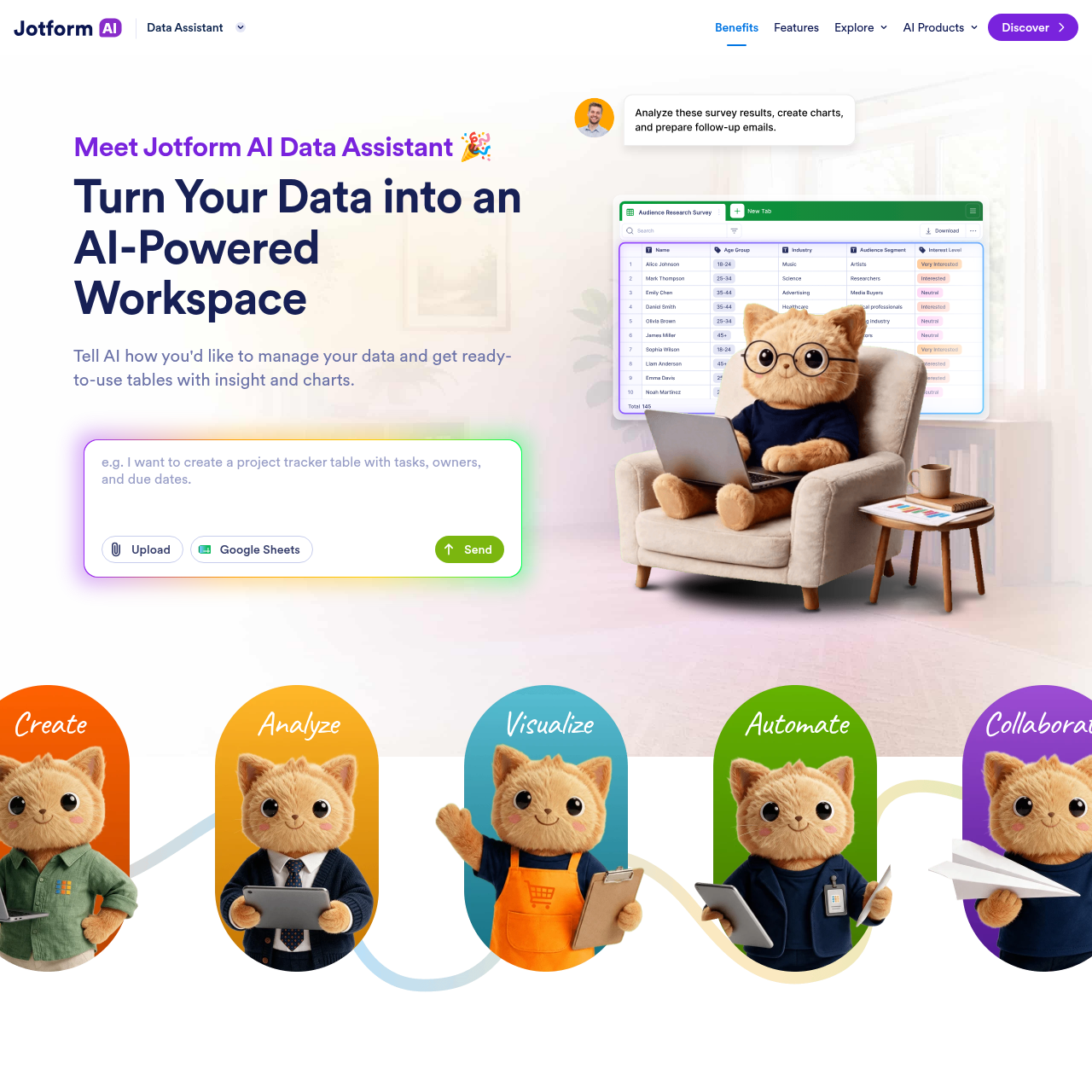
Jotform AI Data Assistant is a tool designed to help users manage, analyze, and visualize data through natural language prompts, enabling automated workflows and organized submission management.
Organization & AutomationCreate tables from natural language…Perform bulk actions on records via AI…Filter and sort table views based on…Route and send automated follow-up…
Estimated monthly visits
42.1M
Data period:
Listed on AIToolly
What Is Jotform AI Data Assistant? Product Overview
What the product does and how it is positioned
Jotform AI Data Assistant enables users to interact with their data using natural language to create tables, generate insights, and automate routine tasks.
The tool integrates with existing data sources to provide visualization, bulk record management, and automated communication capabilities within a unified workspace.
What Can You Use Jotform AI Data Assistant For?
Source-supported ways to use the product
Order and Inventory Management
Users can import order files to generate delivery calendars and summarize order trends from the previous month.
Submission and Feedback Processing
The assistant can categorize incoming feedback as positive, negative, or neutral and route personalized follow-up emails to applicants.
Data Interaction and Automation
The Jotform AI Data Assistant functions by interpreting user prompts to manipulate and organize data stored within the platform. Users can provide instructions via typing or voice to generate specific table views, filter information by urgency, or perform bulk updates across multiple records simultaneously.
Automated categorization of incoming data submissions.
Bulk action execution for record management, such as sending reminders.
Customizable table views based on specific filtering and sorting criteria.
AI-powered communication tools for sending personalized replies.
What to Test Before Choosing Jotform AI Data Assistant
Checks to run with your own material and workflow
Confirm that the data sources intended for use are compatible with the assistant's import capabilities, such as Google Sheets.
Review the specific automation requirements to ensure the AI's categorization and routing logic aligns with existing workflow needs.
Jotform AI Data Assistant Sources and Last Checked