JetBrains Air
JetBrains Air: The Premier Agentic Development Environment for Parallel AI Coding Tasks
JetBrains Air is an innovative agentic development environment designed to run multiple AI agents—including Codex, Claude Agent, Gemini CLI, and Junie—simultaneously. By providing isolated execution through Docker and Git worktrees, JetBrains Air allows developers to delegate complex coding tasks, manage parallel workflows, and review code changes with full intelligence. Whether you are using a JetBrains AI subscription or bringing your own API keys, JetBrains Air optimizes your velocity by ensuring independent task loops never interfere, making it the ultimate workspace for modern, agent-powered software development.
2026-03-18
140.0K
JetBrains Air Product Information
JetBrains Air: The Next-Generation Agentic Development Environment
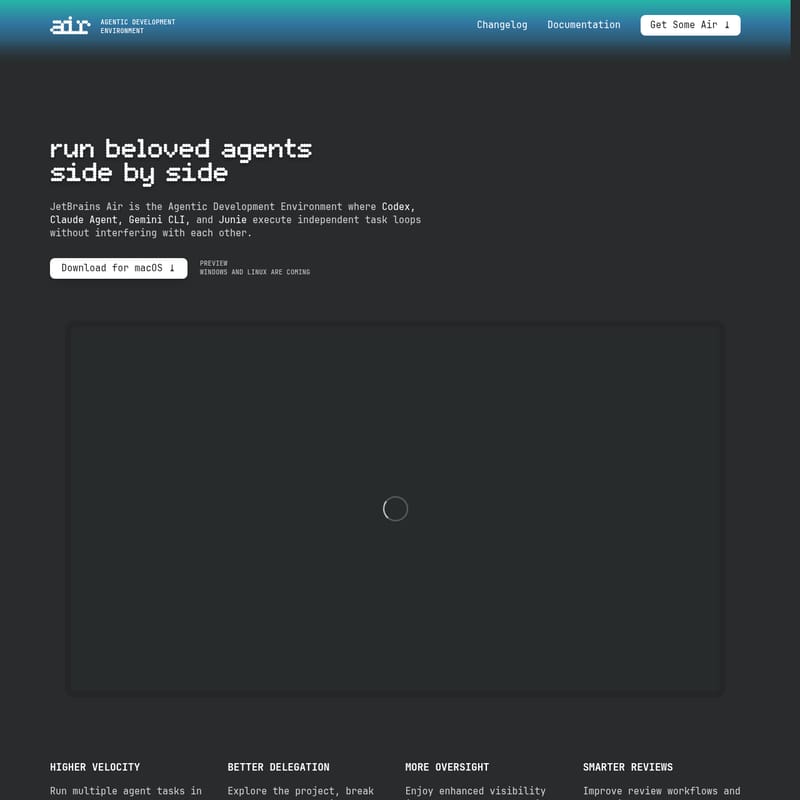
In the rapidly evolving landscape of software engineering, efficiency is no longer just about writing code—it is about orchestrating the intelligence that writes it. JetBrains Air is the premier agentic development environment designed specifically to host and run beloved agents side by side. By providing a dedicated space where Codex, Claude Agent, Gemini CLI, and Junie execute independent task loops, JetBrains Air ensures that your AI-driven workflows are seamless, isolated, and highly productive.
What’s JetBrains Air?
JetBrains Air is a standalone desktop application built by JetBrains, specifically engineered for agent-powered workflows. Unlike traditional chat interfaces or command-line tools, JetBrains Air is a comprehensive agentic development environment that brings your favorite coding agents into one coherent workflow designed for real-world codebases.
It allows developers to delegate complex coding tasks to multiple AI agents and run them concurrently without interference. By focusing on the workflow around the model rather than just the model itself, JetBrains Air helps you define tasks with precision, run them in secure isolation, and review results using deep code intelligence. Whether you are building microservices or sophisticated CLI tools, JetBrains Air provides the infrastructure to manage AI agents at scale.
Key Features of JetBrains Air
JetBrains Air is packed with features that transform how developers interact with artificial intelligence. This agentic development environment is built for high-velocity teams who need more than just a simple chat interface.
Parallel Task Execution
One of the standout capabilities of JetBrains Air is the ability to run multiple agent tasks in parallel rather than sequentially. This significantly increases your development velocity, allowing you to tackle different parts of a project simultaneously.
Isolated Environments
To ensure that agents do not conflict with each other or your local setup, JetBrains Air manages execution through:
- Docker containers
- Git worktrees
- Cloud environments (Coming soon)
Enhanced Oversight and Visibility
JetBrains Air provides a clear overview of what your agents are doing. You can check in on progress in real-time and course-correct when needed, ensuring the output aligns with your project goals.
Language-Aware Navigation
Enjoy the power of full code intelligence within your agentic development environment. Explore projects using language-aware navigation and provide agents with the exact context they need by referencing files, commits, symbols, or images.
Flexible Subscription Models
- JetBrains AI Pro or Ultimate: Sign in and use all supported agents at no additional cost.
- Bring Your Own Key (BYOK): Connect your own API keys from Anthropic, OpenAI, or Google and pay providers directly.
Use Cases for JetBrains Air
Rapid Prototyping in New Languages
As demonstrated by Vladislav Tankov, Director of AI at JetBrains, JetBrains Air allows developers to code sophisticated applications in unfamiliar languages (like Go) in a single evening by leveraging the power of parallel agents.
Microservices Development
For developers working on Kotlin microservices, JetBrains Air enables the planning and refinement of work while favorite agents execute tasks in parallel within Git worktrees, keeping the main development branch clean.
Agent Experimentation
Developers can use JetBrains Air to test different agents like Claude Agent and Junie side by side to compare outputs and determine which tool is best suited for a specific architectural task.
How to Use JetBrains Air
JetBrains Air follows a complete loop for coding with agents, ensuring you stay in control from definition to deployment.
- Define Your Task: Explore your project and gather context by referencing specific files, symbols, or commits.
- Launch Agents: Choose your agent (Codex, Claude Agent, Gemini CLI, or Junie) and decide where they run. JetBrains Air handles the setup using Docker or Git worktrees.
- Monitor Progress: Use the dashboard to see an overview of async tasks. You can quickly switch contexts to provide additional input without losing control.
- Review and Commit: Once the agent completes its loop, review the changes with full code intelligence and commit them to your project.
FAQ
How is Air different from CLI or chat agents?
While most tools focus solely on the AI model, JetBrains Air focuses on the workflow. It eliminates the need to juggle terminals or manually paste file paths. It provides code-aware task definitions, isolated execution, and workspaces to manage concurrent tasks in one place.
Which agents are supported in JetBrains Air?
At launch, the following agents are supported:
- Claude Agent (Anthropic)
- Codex (OpenAI)
- Gemini CLI (Google)
- Junie (JetBrains)
What are Workspaces?
Workspaces in JetBrains Air keep agent sessions, Git state, and navigation tools scoped to a single project. They prevent branch collisions and allow you to manage complex workflows without opening multiple windows.
Does JetBrains Air replace my IDE?
No. JetBrains Air is a standalone application designed to handle agent orchestration. While it handles the agent-powered development loop, your JetBrains IDE remains the primary tool for your manual development workflows.
What platforms is JetBrains Air available on?
Currently, you can download JetBrains Air for macOS. Support for Windows and Linux is coming soon.