CREATEVISION AI
CreateVision AI: The Ultimate All-in-One AI Image and Video Generation Platform
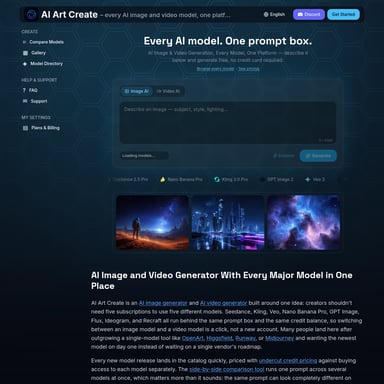
CreateVision AI is a comprehensive creative suite offering advanced AI image and video generation tools. Featuring top-tier models like Seedream, Kling, and Midjourney, it enables professional-grade content creation for marketing, design, and personal use.
2026-07-16
22.5K
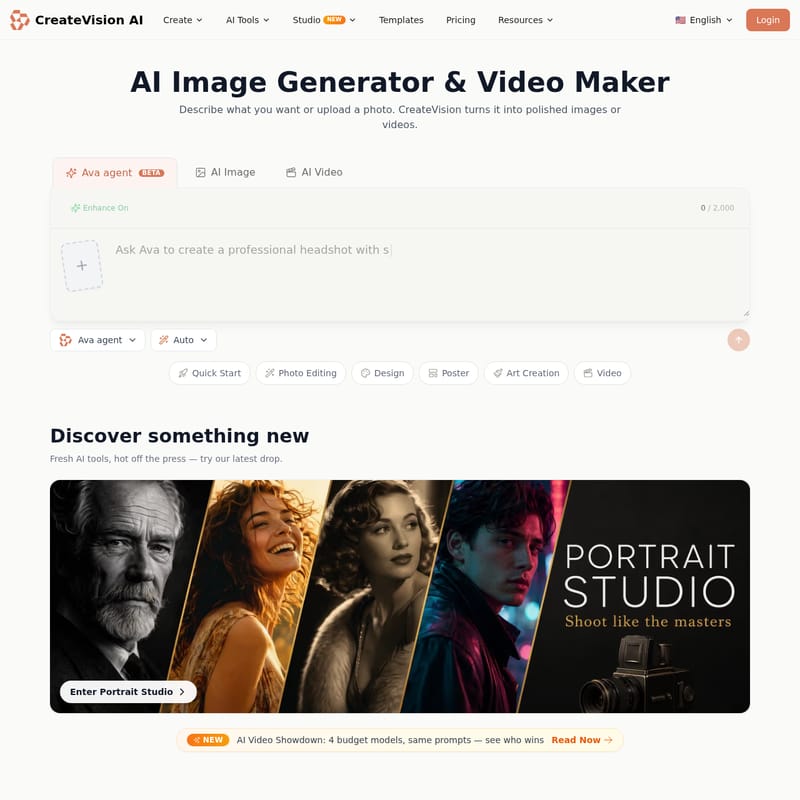
CREATEVISION AI Product Information
CreateVision AI: Your Ultimate All-in-One AI Image and Video Generator
In the rapidly evolving landscape of digital creativity, CreateVision AI emerges as a powerhouse platform, serving as your personal creative sidekick. Whether you are a professional designer, a marketing expert, or a hobbyist looking to bring your imagination to life, CreateVision AI provides a comprehensive suite of tools designed to transform simple text or photos into polished, high-quality visual content. By integrating the world’s top AI models into a single interface, CreateVision AI empowers users to create like a pro without needing complex technical skills.
What is CreateVision AI?
CreateVision AI is a state-of-the-art AI Image Generator and Video Maker that leverages a vast array of industry-leading models to deliver professional results. Described as a "Creative Sidekick," the platform understands your unique style and offers specialized studios—such as the Portrait Studio, Marketing Studio, Cinema Studio, and Poster Studio—to cater to specific creative needs. From generating ultra-detailed 4K images to producing cinematic videos with native audio and lip-syncing capabilities, CreateVision AI is built to handle the most demanding creative tasks.
Key Features of CreateVision AI
1. Diverse AI Image Models
CreateVision AI hosts a wide variety of image generation models, each optimized for different artistic and professional styles.
- Seedream 5 Pro: A flagship model offering ultra-detailed 1K/2K rendering for high-end visuals.
- Midjourney V8.1: Known for its signature artistic style, providing four distinct variations per prompt.
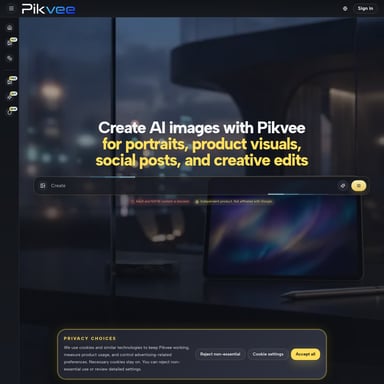
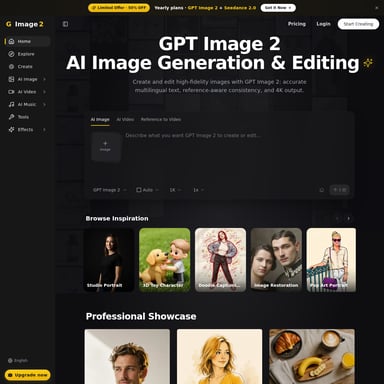
- GPT Image 2: Perfect for precise prompts, clean text rendering, and professional product shots.
- Nano Banana 2: A next-gen multi-image fusion tool with various quality tiers.
- Seedream 4.5 & 4.0: Advanced models for 2K/4K high-quality batch generation and fine prompt control.
- Z Image Turbo: A free, instant option for users needing quick text-to-image drafts.
2. Cutting-Edge AI Video Creation
Video production is a core strength of CreateVision AI. The platform offers models that can turn any photo into a living scene or generate videos from scratch.
- Kling 3.0 & Kling 3.0 Turbo: High-quality text and image-to-video generation, supporting up to 4K resolution with sound and reference-driven motion control.
- Veo 3.1 Pro & Fast: Premium cinematic video models that include native audio for a professional finish.
- HappyHorse 1.1: Specifically designed for video with native audio and lip-sync capabilities across six languages.
- Wan 2.7: Ideal for multi-shot stories, featuring a "locked character identity" to maintain consistency across scenes.
- Grok Imagine 1.5: An affordable solution to turn photos into living scenes with sound.
- Seedance 2.0 & 2.0 Mini: Offers smooth motion and natural choreography, with mini versions available for lightweight, fast drafts.
3. Specialized Portrait & Avatar Tools
CreateVision AI features a dedicated Portrait Studio and a suite of avatar tools. Users can create professional headshots, generate AI Anime avatars, or use the AI Face Swap feature. Other specialized portrait tools include:
- AI Hairstyle & Hair Color Changer
- AI Cartoon Portrait
- AI Photo to Ghibli/Sketch/Anime
- AI Time Travel Photo
4. Professional Photo Enhancement & Editing
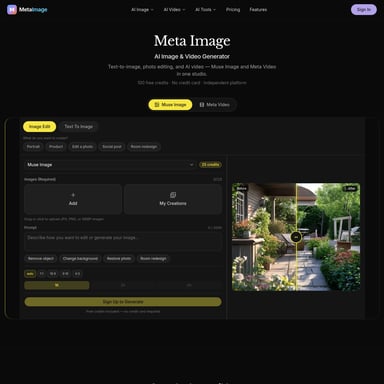
Beyond generation, CreateVision AI provides robust editing capabilities. Using the Qwen Image Edit Plus or Nano Banana models, users can perform smart edits. Specific utilities include:
- AI Background Remover & Changer
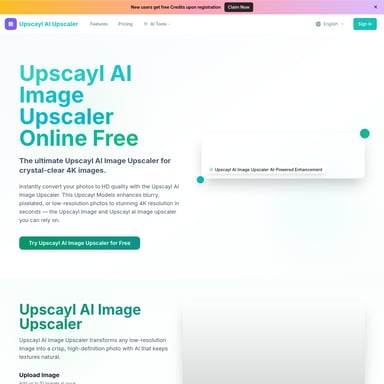
- AI Image Upscaler for higher resolution.
- AI Object & Watermark Remover
- AI Old Photo Restoration
How to Use CreateVision AI
Using CreateVision AI is designed to be intuitive, even for beginners. Here is a quick guide on how to get started:
- Interact with Ava Agent: Start by engaging with the Ava agent (BETA). You can ask Ava to create specific items, such as a professional headshot, or use her to guide your creative process.
- Describe or Upload: You can either describe what you want in the prompt box (up to 2,000 characters) or upload a photo to use as a reference.
- Select Your Model: Browse through the extensive list of image and video models. Whether you need the artistic flair of Midjourney V8.1 or the cinematic power of Veo 3.1 Pro, the choice is yours.
- Use Templates: If you need inspiration, explore the CreateVision AI curated collection of templates, ranging from "Snooters Dog Restaurant" to "Magazine Cover Portraits."
- Refine and Enhance: Use the enhancement tools to upscale your image, remove backgrounds, or add motion control to your videos.
Use Cases for CreateVision AI
- Marketing and Business: Use the Marketing Studio and AI Product Mockup tools to create high-quality brand assets, logos, and advertising posters.
- Social Media Content: Generate engaging videos with Hailuo 02 for camera control or HappyHorse 1.1 for lip-synced character videos.
- Personal Projects: Create custom AI Christmas Cards, AI Valentine Cards, or even a FIFA Photo Maker for sports fans.
- Interior Design: Utilize the AI Room Designer to visualize new layouts and styles for living spaces.
- Professional Networking: Generate high-quality professional headshots using the AI Headshot Generator without visiting a studio.
Frequently Asked Questions (FAQ)
What is the Ava agent in CreateVision AI? Ava is an AI assistant within the platform that helps users generate specific content, such as professional headshots, through a guided chat-like interface.
Can CreateVision AI generate videos with sound? Yes, several models within CreateVision AI, including Kling 3.0, Veo 3.1 Pro, and HappyHorse 1.1, support native audio and sound generation.
Are there free options available? Yes, CreateVision AI offers the Z Image Turbo model for free, instant text-to-image drafts.
Can I maintain character consistency in videos? Absolutely. The Wan 2.7 model is specifically designed for multi-shot stories with a locked character identity feature.
What resolutions does CreateVision AI support? Depending on the model, CreateVision AI supports resolutions from 1K and 2K up to professional 4K rendering for both images and videos.
By combining the best AI models like Seedream, Kling, and Midjourney, CreateVision AI stands as a premier destination for anyone looking to push the boundaries of AI-driven visual storytelling.