Antigravity IDE Extensions favicon

Antigravity IDE Extensions

Antigravity IDE Extensions provide lightweight integrations for popular development environments, enabling developers to access shared context and agent-driven conversations directly within their existing coding workflows.

Code & ITPerform localized code adjustments and…Review compiler diagnostics and stepAccess agent-driven conversations and…Cross-Tool Context Sharing
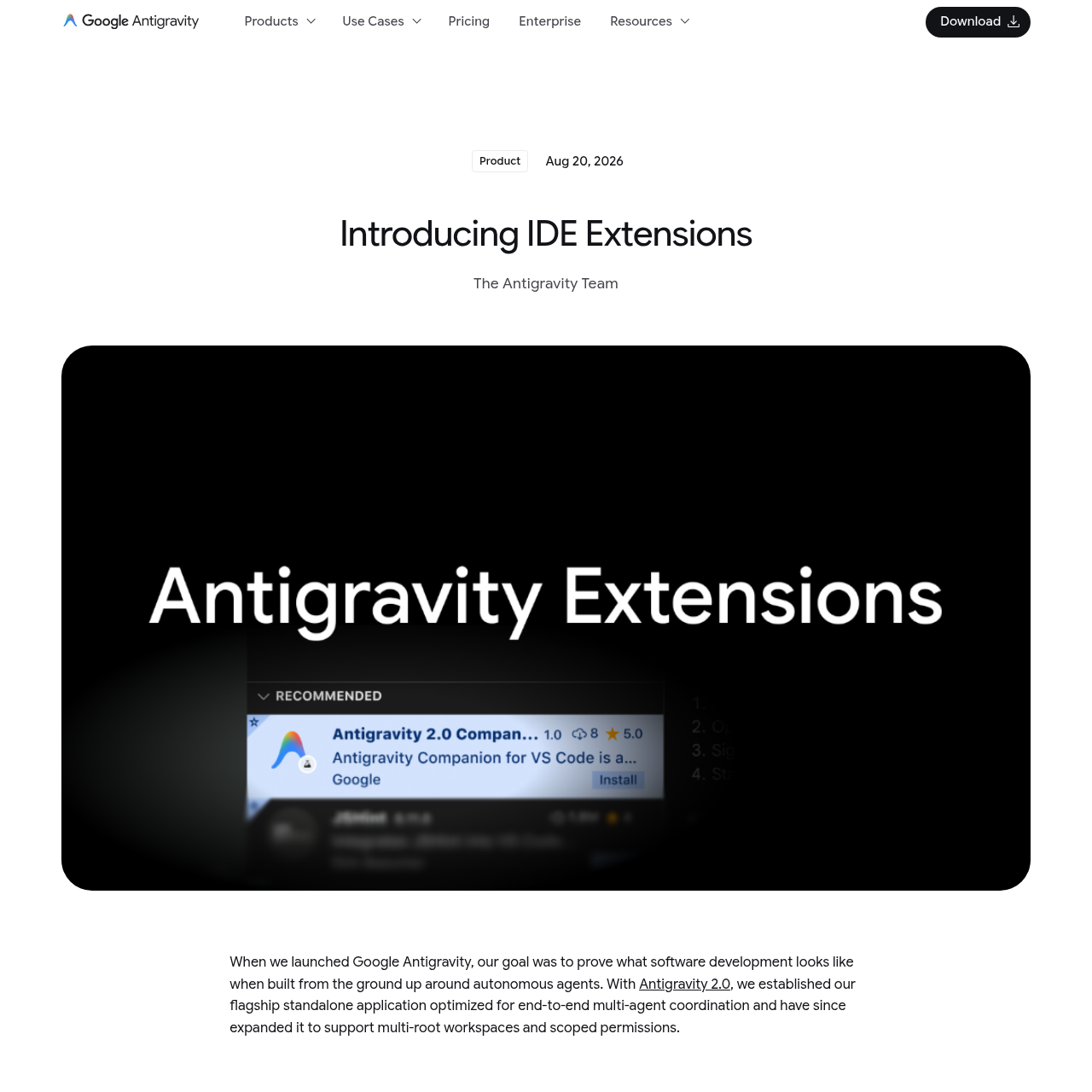
Antigravity IDE Extensions product interface screenshot
Estimated monthly visits
17.9M
Data period:
Listed on AIToolly

What Is Antigravity IDE Extensions? Product Overview

What the product does and how it is positioned

Antigravity IDE Extensions are lightweight integrations designed to bring agentic development capabilities into traditional code editors.

The extensions allow developers to maintain a shared context across the Antigravity ecosystem while performing deep code inspection and localized adjustments.

What Can You Use Antigravity IDE Extensions For?

Source-supported ways to use the product

Detailed Debugging

Developers use the extensions to inspect specific code paths, review compiler diagnostics, and step through complex logic using interactive debuggers.

Localized Adjustments

Engineers can perform targeted code modifications and implementation refinements directly within their preferred development environment.

How to Use Antigravity IDE Extensions

The documented workflow, where available

  1. 1

    Extension Discovery

    Users locate the extension within the specific marketplace or internal extension manager of their chosen IDE.

  2. 2

    Installation and Setup

    The extension is downloaded and installed, which may require a restart of the development environment in some cases.

  3. 3

    Authentication

    Users sign in using their Google or Enterprise credentials to link the IDE to their Antigravity account.

  4. 4

    Workspace Integration

    The Antigravity icon is accessed from the activity bar or toolbar to begin managing agentic tasks and conversations.

Enterprise Security and Governance

The extensions are designed to meet enterprise-grade security requirements by integrating with existing Google Cloud infrastructure. This is designed so that development sessions remain compliant with organizational governance and data protection standards.

For enterprise teams, the extensions operate under the Google Cloud Terms of Service, providing a secure environment for agentic development.

  • Support for VPC Service Controls to secure data boundaries.
  • Integration with Identity and Access Management (IAM) policies.
  • Assurance that user data is not utilized for training foundation models.

What to Test Before Choosing Antigravity IDE Extensions

Checks to run with your own material and workflow

  • Verify that the JetBrains IDE version is 2026.2.1 or higher before attempting installation.
  • Confirm the current status of Enterprise support for Zed and JetBrains if using organizational credentials.
  • Check for the Antigravity icon in the IDE activity bar or toolbar to ensure successful setup.

Antigravity IDE Extensions Sources and Last Checked

What was checked and when

Last checked
Category
Code & IT

Antigravity IDE Extensions Frequently Asked Questions

Answers based on the source-checked product record

Which IDEs are currently supported by the extensions?

Antigravity supports Visual Studio Code, Visual Studio, Zed, and the JetBrains suite, including IntelliJ IDEA, PyCharm, WebStorm, GoLand, CLion, and Rider.

How does the extension handle data privacy for enterprise users?

For enterprise teams, data is not used to train foundation models and all interactions respect organization-specific IAM policies and VPC Service Controls.

What is the primary purpose of these extensions compared to the standalone app?

The extensions are designed for tasks requiring deep inspection, such as reviewing compiler diagnostics or making localized code adjustments, while staying connected to the agent ecosystem.

How do users authenticate with the extension?

Individual developers can sign in using a Google account, while enterprise users can use Gemini Enterprise or Google Cloud project credentials.

Are there specific version requirements for JetBrains IDEs?

Support for the JetBrains suite begins with version 2026.2.1, with enterprise support currently in a preview state.

Explore other recently added tools in the same category.