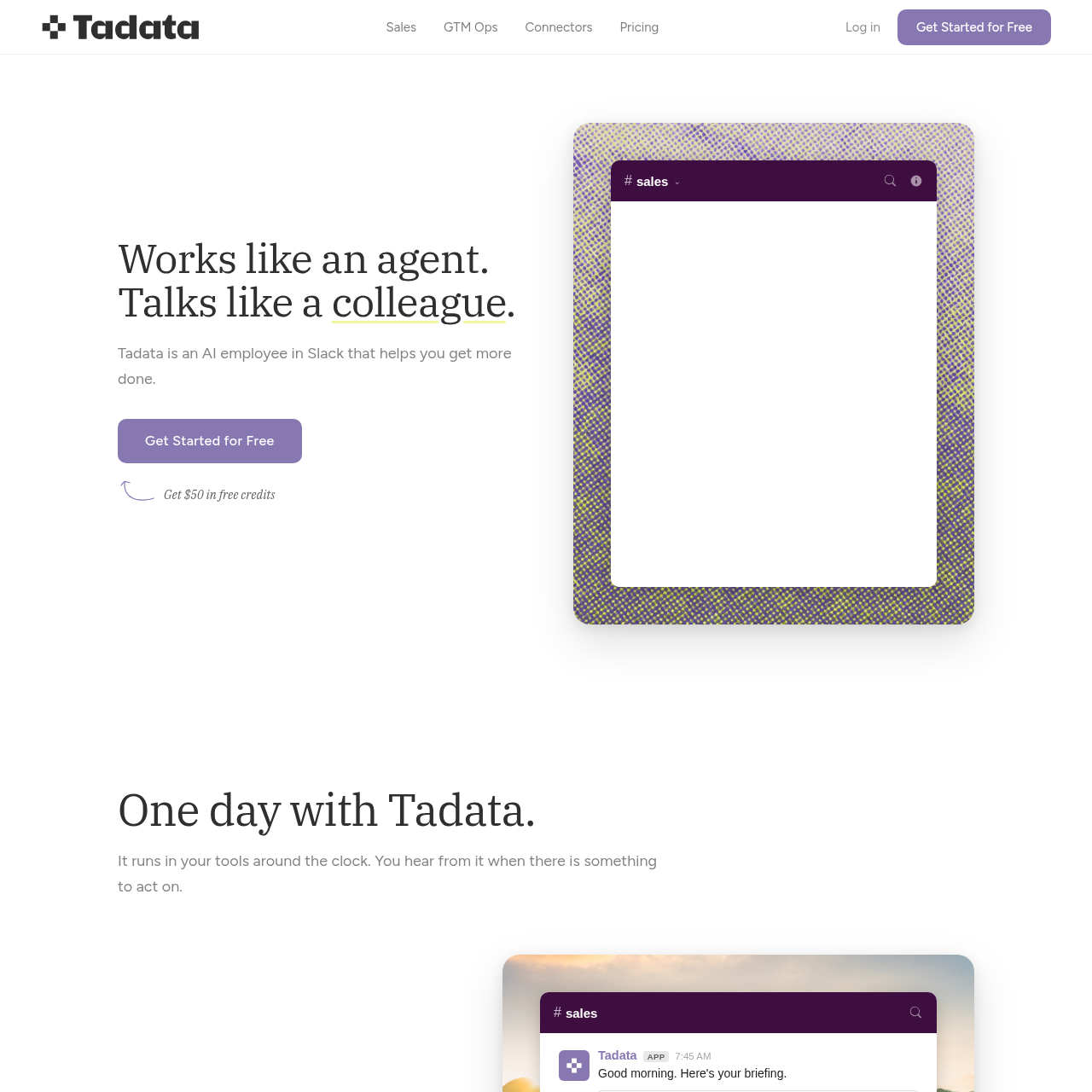
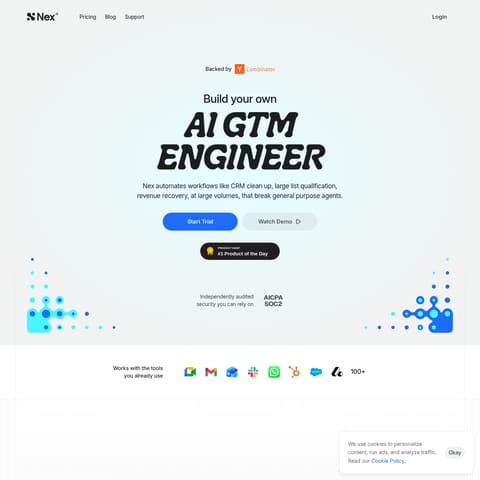
Tadata is an AI employee integrated with Slack that automates sales and GTM operations by researching prospects, preparing meeting briefs, and drafting communications.
Sales & MarketingAutomating CRM data entryResearching prospect backgroundsMonitoring social mediaDrafting personalized outreach
Estimated monthly visits
5K
Data period:
Listed on AIToolly
What Is Tadata? Product Overview
What the product does and how it is positioned
Tadata functions as an AI-driven assistant within Slack, designed to streamline workflows for sales and go-to-market teams by monitoring activity and identifying repetitive tasks.
The platform acts as an intermediary between a company's internal data and frontier AI models, allowing for the automation of research and administrative tasks while maintaining user control over the final output.
What Can You Use Tadata For?
Source-supported ways to use the product
Outreach Personalization
The agent researches prospects via LinkedIn and company sites to add personalized openers to messages without manual copy-pasting.
Call Preparation
Tadata synthesizes information from previous interactions and current news to brief users before scheduled meetings.
How to Use Tadata
The documented workflow, where available
1
Tool Integration
Users connect Tadata to their existing software stack, including CRMs, calendars, and communication tools.
2
Activity Monitoring
The agent runs in the background, observing tool activity and identifying repetitive patterns or upcoming tasks.
3
Briefing and Suggestion
Tadata provides daily briefings in Slack and offers to automate specific tasks it has identified.
4
Review and Approval
The user reviews drafted content, such as emails or CRM updates, and provides approval or edits.
5
Task Execution
Upon receiving approval, the agent executes the task across the connected platforms.
Process Portability and Model Agnosticism
Tadata utilizes an architecture that separates user processes from specific AI models. This approach is designed so that institutional knowledge, including custom automations and learned preferences, remains under the user's control.
Users can export and version their automation recipes.
The system functions as an intermediary between user data and various frontier AI models.
No rebuilds are required when switching between different underlying models.
What to Test Before Choosing Tadata
Checks to run with your own material and workflow
Confirm the list of supported CRM and project management connectors matches your current tech stack.
Verify that the Slack-based approval workflow aligns with your team's communication preferences.
Review the data security documentation regarding credential isolation and scoped access.