Knockin' favicon

Knockin'

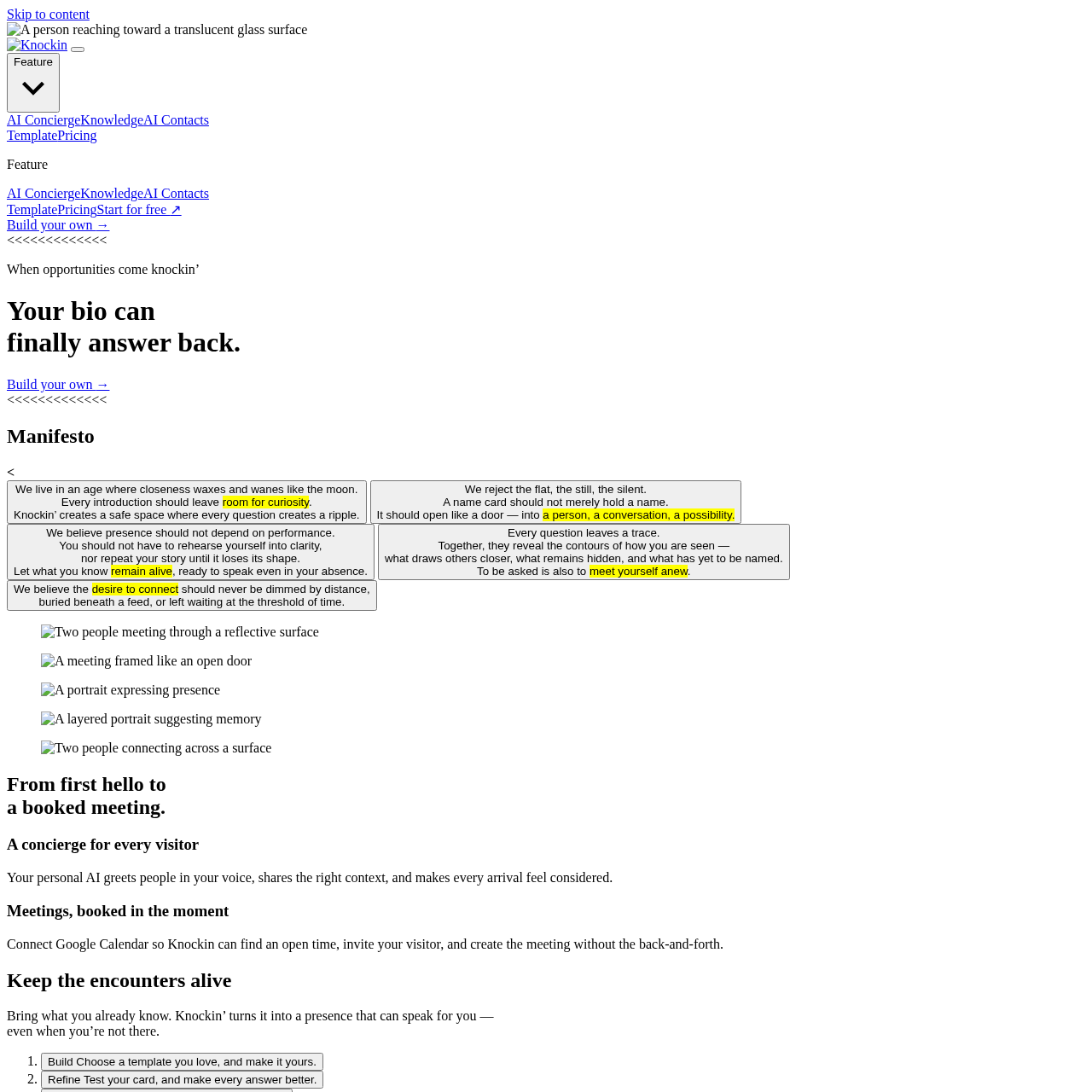
Knockin' is an interactive personal bio and concierge tool that answers visitor questions using user-provided knowledge and books meetings via Google Calendar.

Chat BotAnswering visitor questions based on…Scheduling meetings directlySharing interactive cards via links, QR…AI Concierge
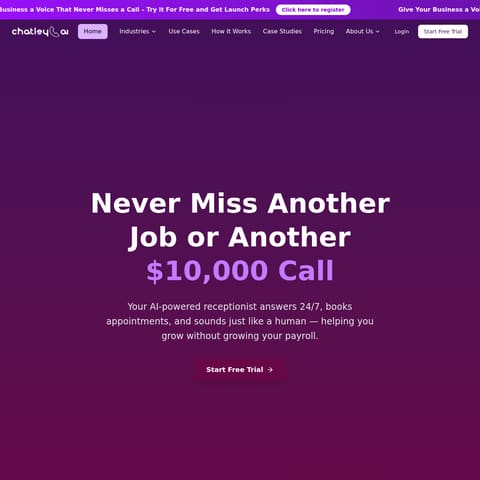
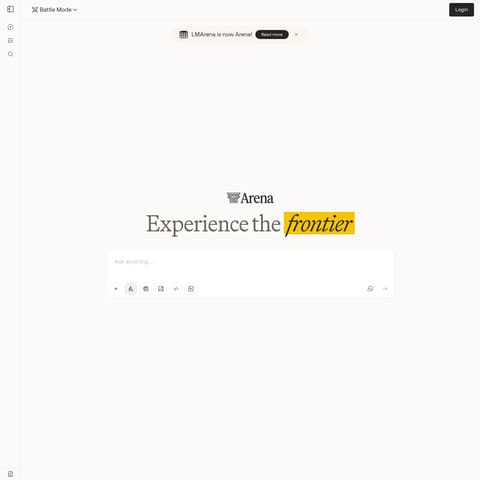
Knockin' product interface screenshot
Listed on AIToolly

What Is Knockin'? Product Overview

What the product does and how it is positioned

Knockin' is an interactive bio platform designed to act as a personal concierge for visitors. Instead of static introductions, it uses knowledge supplied by the user to greet guests, answer questions, and communicate background information during the creator's absence.

The tool integrates with Google Calendar to manage appointment scheduling by identifying open slots and setting up meetings automatically. Users configure their presence by choosing a template, testing responses, and sharing the resulting card through digital links, QR codes, or physical taps.

What Can You Use Knockin' For?

Source-supported ways to use the product

Founders

Founders can convert company details and background into an interactive bio that explains their business to visitors.

Freelancers

Freelancers can share their work, process, and current availability with prospective clients before an initial call.

Sales and BD

Sales and business development teams can give prospects a single location to review expertise, methods, and past projects.

Creators

Creators can transform their body of work into an interactive format that visitors can explore, ask questions about, and share.

How to Use Knockin'

The documented workflow, where available

  1. 1

    Build

    Select a preferred template and customize it with your own background and knowledge.

  2. 2

    Refine

    Test the interactive card to review visitor interactions and improve answer accuracy.

  3. 3

    Share

    Publish the finalized card and distribute it using a web link, QR code, or quick tap.

Visitor Concierge and Automated Scheduling

Knockin' functions as an interactive introduction card that answers visitor inquiries on behalf of the creator. By incorporating materials and information provided by the user, the AI concierge greets incoming guests, provides relevant context, and answers questions even when the creator is unavailable.

In addition to informational responses, the system connects directly with Google Calendar to handle scheduling. It identifies available meeting times, issues invitations to visitors, and schedules appointments without manual back-and-forth communication.

  • Acts as a conversational personal bio responding in the user's voice
  • Integrates with Google Calendar to check availability and create meetings
  • Distributes via direct links, QR code scanning, and physical taps

What to Test Before Choosing Knockin'

Checks to run with your own material and workflow

  • Verify that the Google Calendar integration properly syncs available slots and books meetings without scheduling conflicts.
  • Review the available templates to confirm they accommodate the structure and presentation needed for your profile.
  • Check the accuracy of the AI concierge responses during the refinement stage before sharing the card publicly.

Knockin' Sources and Last Checked

What was checked and when

Last checked
Category
Chat Bot

Knockin' Frequently Asked Questions

Answers based on the source-checked product record

What is Knockin'?

Knockin' is an interactive bio and concierge tool that answers visitor questions using user-provided knowledge and schedules meetings.

How does Knockin' handle meeting scheduling?

Knockin' integrates with Google Calendar to locate open availability, invite visitors, and create calendar events automatically.

How can users distribute their Knockin' card?

Users can distribute their interactive card through a direct link, a scanned QR code, or a quick physical tap.

What is the process for creating a card in Knockin'?

Users build their card by choosing a template, refine it by testing responses, and then publish and share the final card.

Which professional roles is Knockin' designed to support?

The platform identifies founders, freelancers, sales and business development professionals, and creators as intended user groups.

Explore other recently added tools in the same category.